
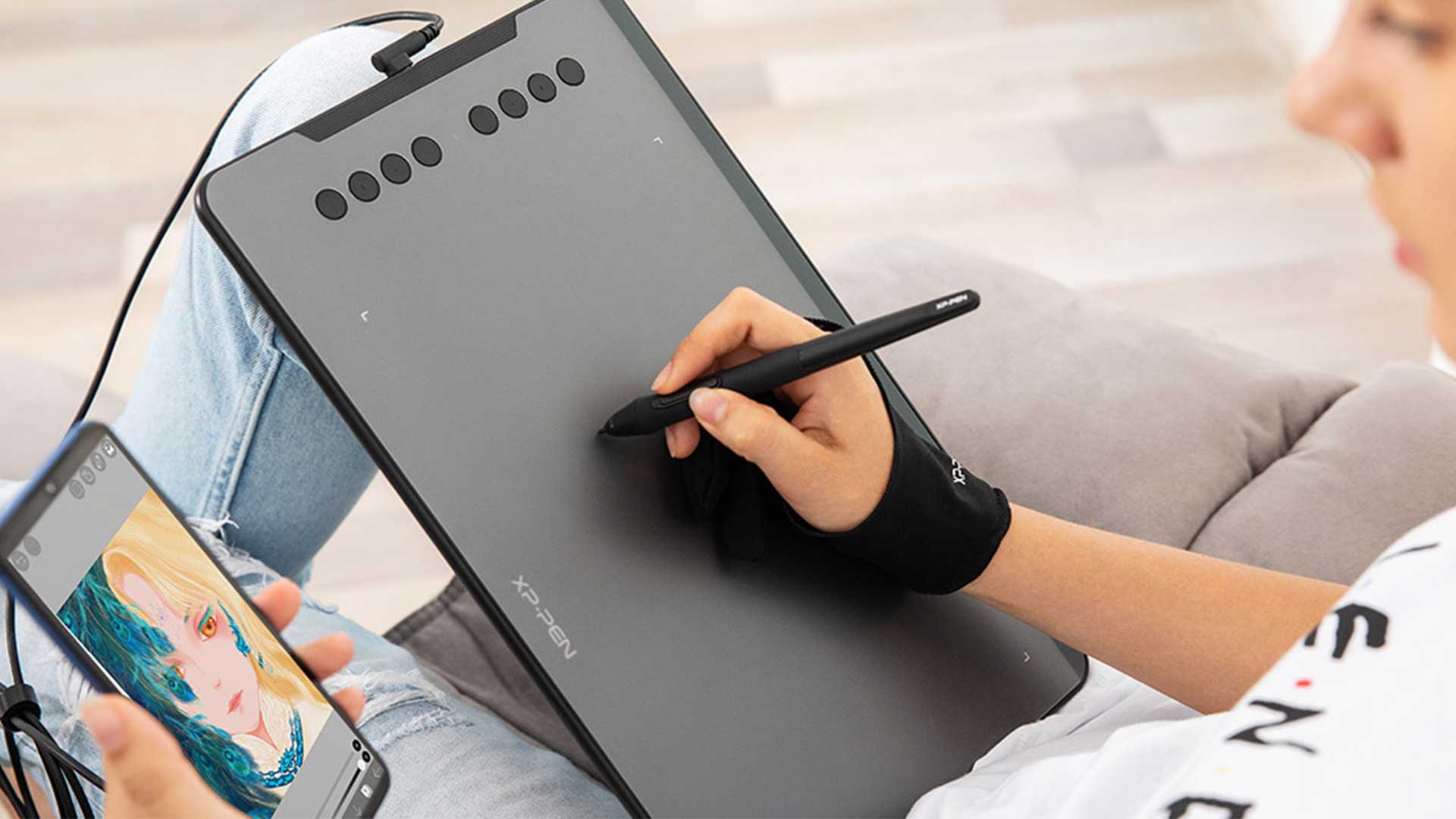
Pen tablet for Designers and Creative professionals.
A question that every creative professional ask themselves at least once in their career. Here is an attempt to reason out the requirement of a Pen Tablet for students/ professionals from various design/art/architecture fields. In the end, it will have some feasible recommendations depending on requirements and proficiency levels.
A pen tablet is an input device which comes majorly two form factor. One with a capacitive screen on which the user can draw directly with a stylus pen and another without a screen that can be connected to a PC enabling user to input via a pressure-sensitive pad. Mostly the tablet needs to be connected with a device running Windows/ IOS / Android system but very expensive standalone pen tablets are also available.
User Input Changes with time and it will keep on changing so we must be adaptable to latest tech.
User input evolved with technology. From CLI (Command-line Interface) to GUI (Graphical User Interface) navigable with mice. This one transition opened up flood gates for countless innovations. Not only programmers/software architects but a lot of creative professionals also benefited from this ability to control graphical user interface directly. The next big revolution was drag-drop support which started with Windows XP sp3 but flourished as the latest OS’s released for windows and IOS platforms.
Pressure-sensitive tablets were there since GUI supported Operating systems became popular but the initial versions were only as good as the laptop touchpad. Also, it was extremely expensive like any other technology. The cost vs value editions to workflow kept it away from regular workspaces. Hardware price drops as the manufacturing technologies become efficient. The same happened in the case of Pen tablets as well. Nowadays many new manufacturers are offering these at very competitive pricing.
So do you really need it ?
To get the answer to the question asked in the title of this article. So let me tell you there is no wrong or right answer to it and also it will vary depending on your scope of work/design domain/workflow /etc. But below is a graph which can help you in deciding whether to invest in one or not.
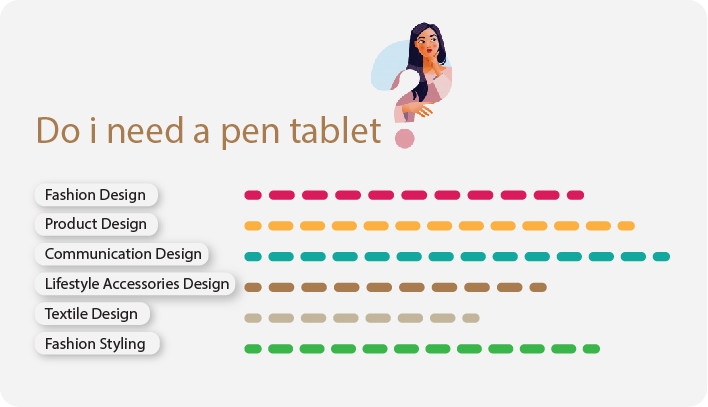
Irrespective of the Design field you are perusing, you will have to express yourself visually on a regular basis. Sketching your ideas, scribbling, and often creating valuable artworks & illustrations is a primary requirement.
Few recommendations for Pen tablet for Designers in order of priority:
These are entry level tablets and picked out keeping in mind a novice user. These will suffice for a beginners workflow. Many expensive and better pen tablets are also available but will talk about that in a different post.
Option 01
https://amzn.to/31b0Y34 | ₹ 6,999.00
XP-Pen Deco01 V2 Digital Graphics Drawing Pen Tablet (10″ x 6.25″, 8192 Levels of Pressure Sensitivity, Battery-Free Passive Stylus, Black)
Comment: I am using this one for last two years and it works like a charm. Comes loaded with extra nibs and matte surface sheet. Also compared to Wacom at this price range provides a much larger surface area and pressure sensitivity.
Option 02
https://amzn.to/318kQnq | ₹ 6,500.00
WACOM One by CTL-672/K0-CX Medium 8.5-inch x 5.3-inch Graphic Tablet (Red and Black)
Comment: Good old Wacom! can blindly trust. have used it personally and it’s worth at this price range. build quality is solid. doesn’t come with a matte sheet or extra nibs. But it’s a steal deal at this price.
Option 03
https://amzn.to/340OyMG | ₹ 6,929.00
VEIKK A15 PRO Graphic Drawing Tablet 10 * 6 inch with 12 Hotkeys and a Quick Dial Support Windows, Mac (8192 Level Pressure Battery -Free Stylus) (Red)
Comment: Features are similar to XP-Pen. The company is new and reviews are good.
Option 04
https://amzn.to/2SYtb8M | ₹ 6,999.00
Huion Inspiroy H1161 Android Supported Graphics Drawing Pen Tablet 2019 Release(11”x6.9” Active Area, Battery-Free Stylus with 8192 Pressure Level, 16+10 programmable Press Keys, 1 Touch Strip)
Comment: Old and trusted brand. Many digital artists recommend this. On a higher range almost as good as Wacom. This one has more programmable keys.
*The prices shown may vary depending on time and location. The above are just references and similar products are also available.