


Small things.

Meaningful change.

We make thoughtful products for everyday life, and new ways for people to create, explore, and express themselves.

Explore our work

The details are never just details.

A simpler step.

A clearer thought.

A moment that feels effortless.

We believe good design lives in these small decisions. And when they come together, something meaningful happens.


Ideas, made useful.

Some ideas help us do more with less effort.

Others give our imagination somewhere new to go.

We explore both.

Made to make a difference.

Some of these ideas began with us. Others began with a conversation. All of them start by asking what could feel simpler, more useful, or more human.

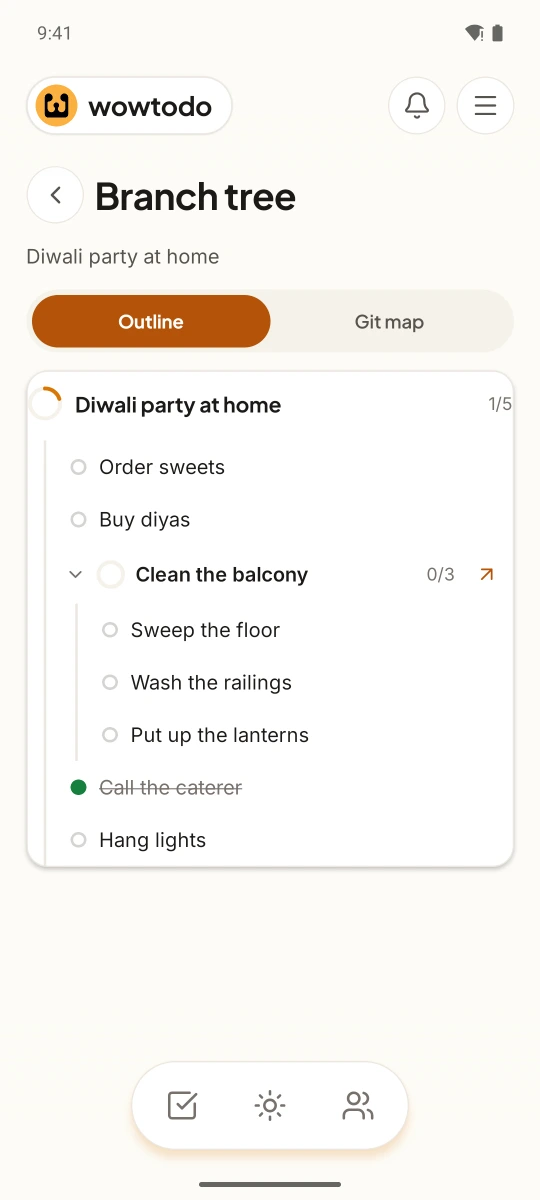
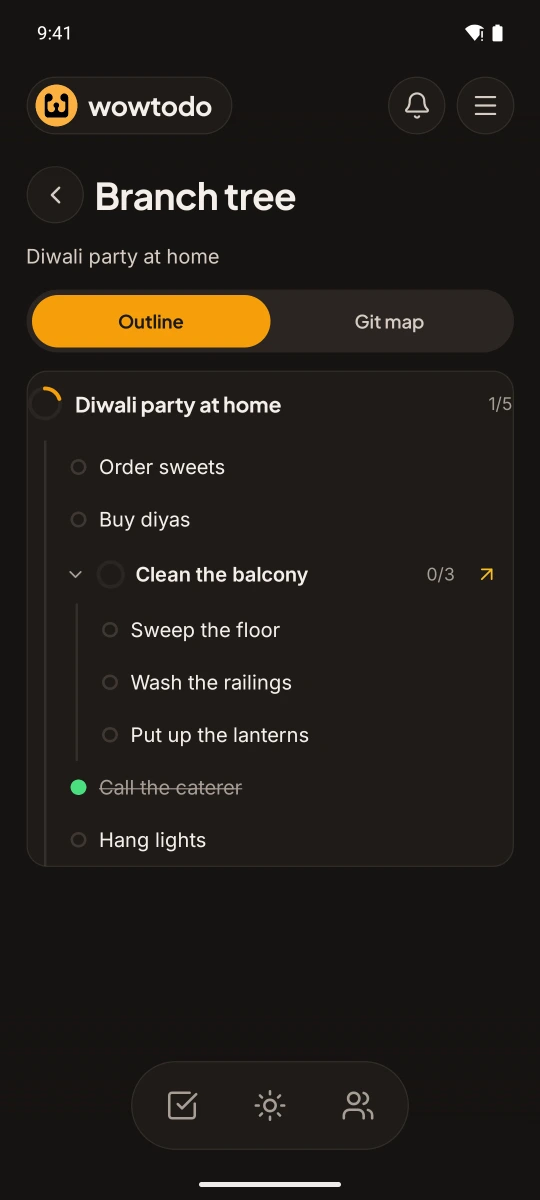
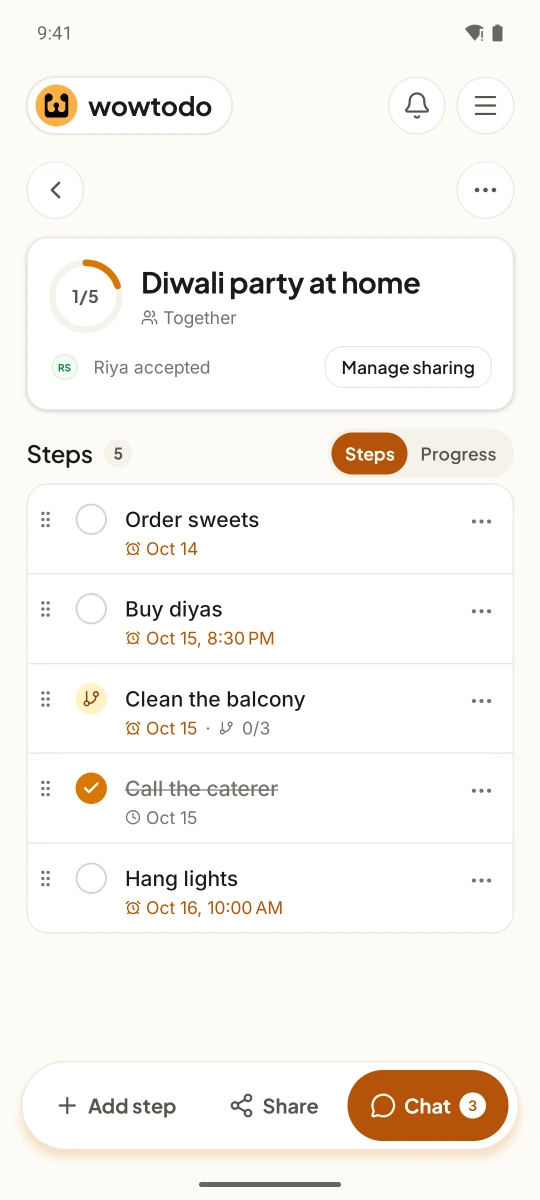
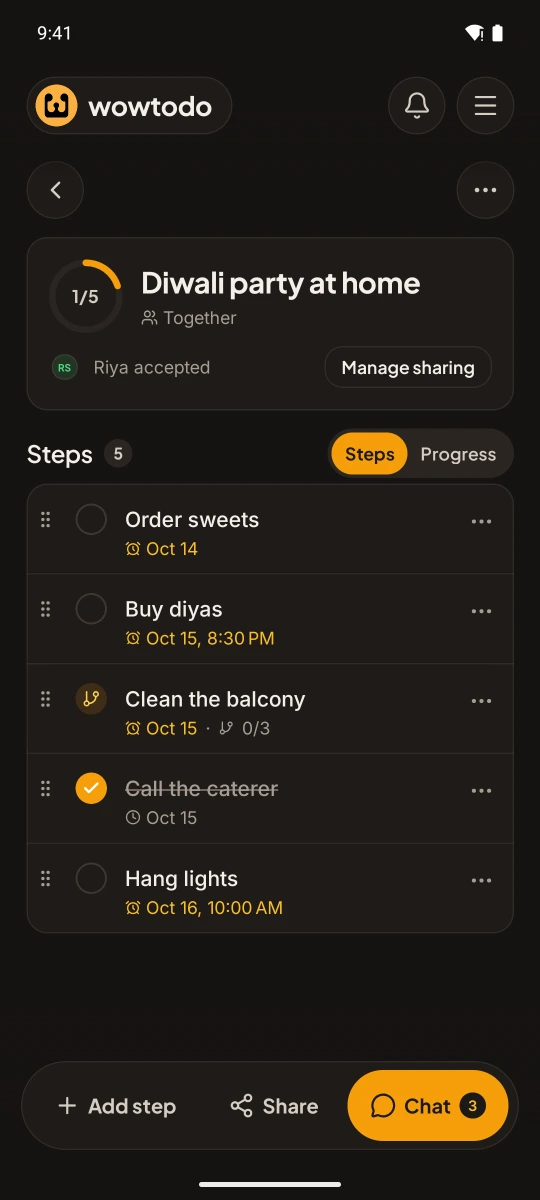
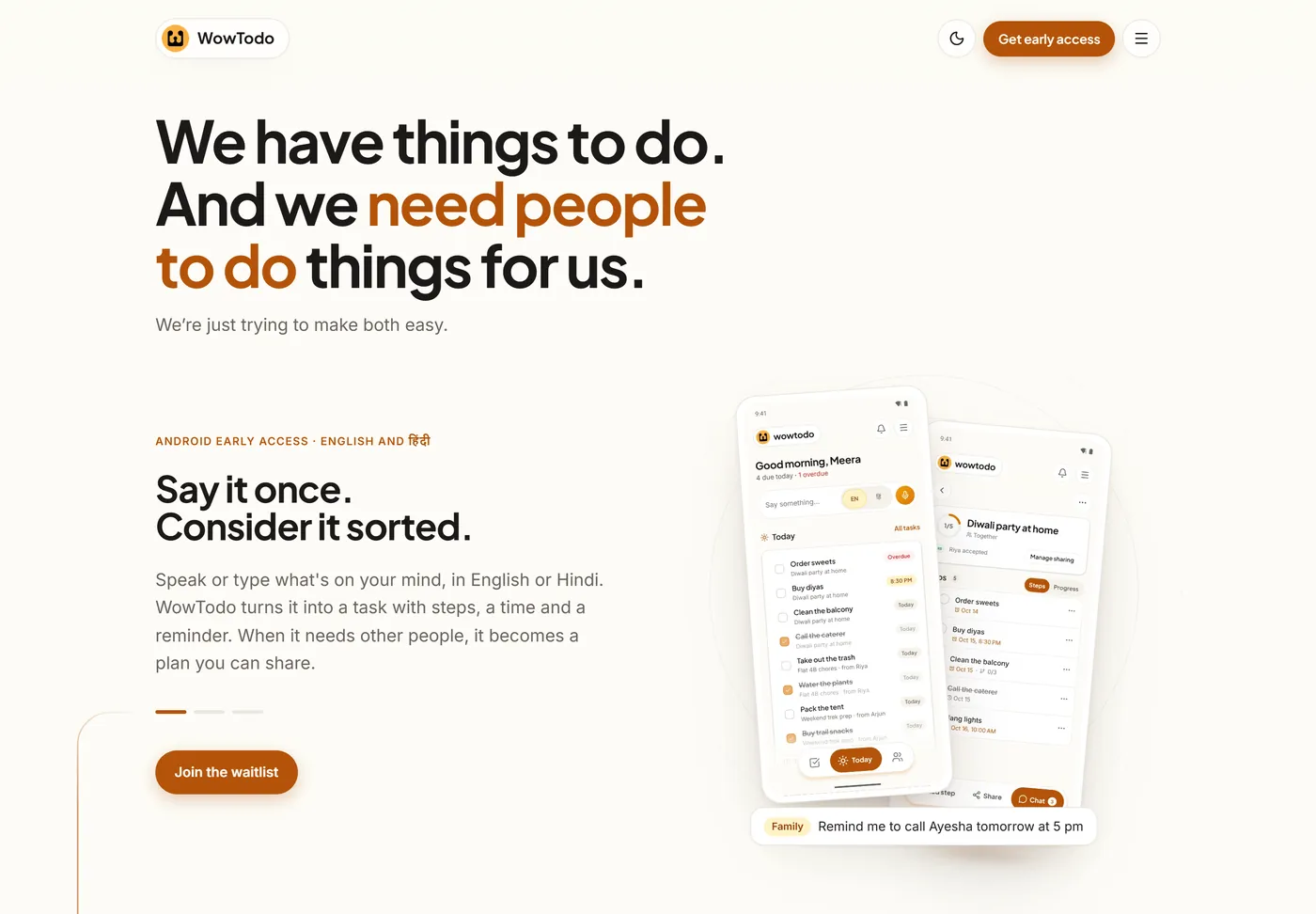
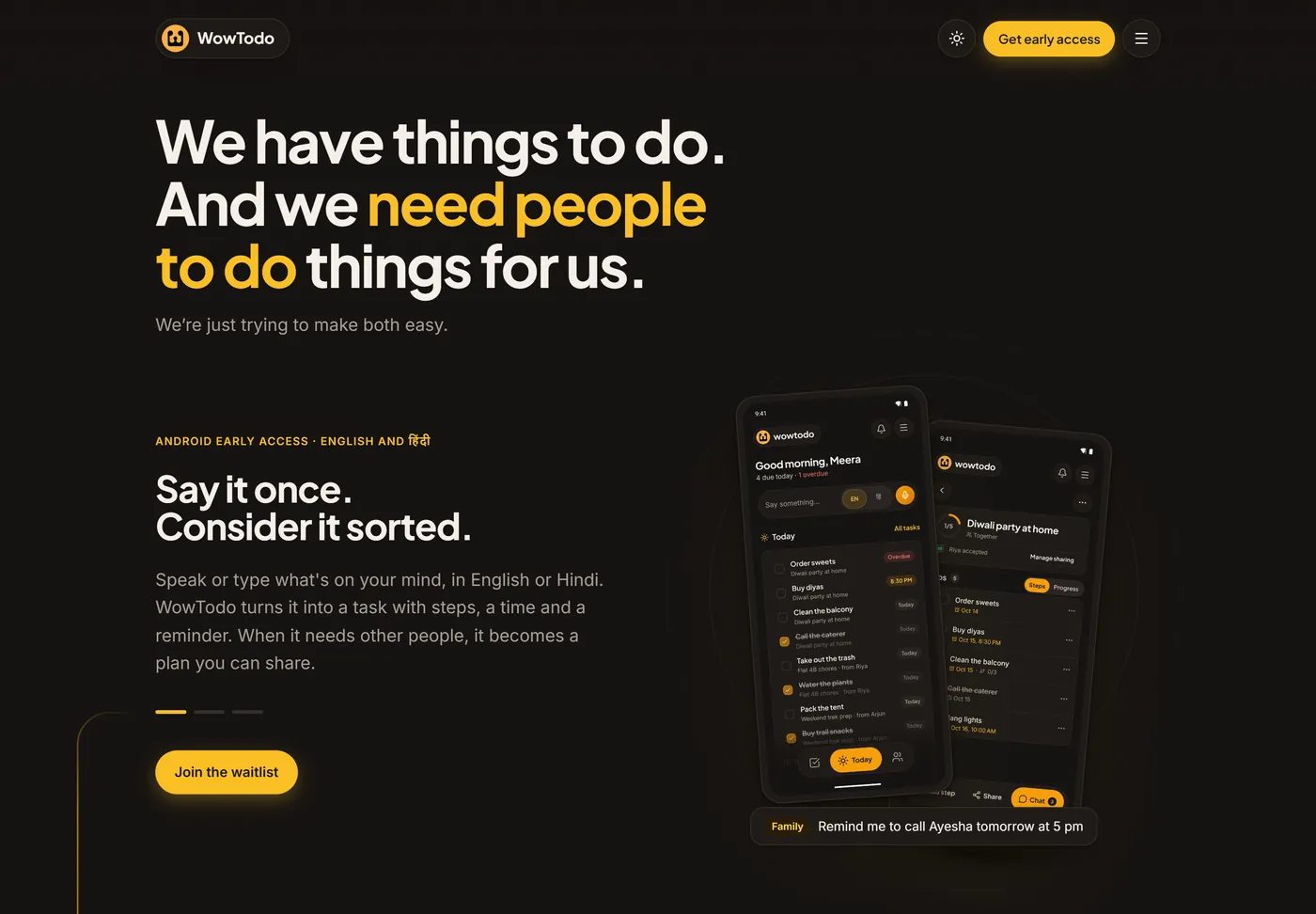
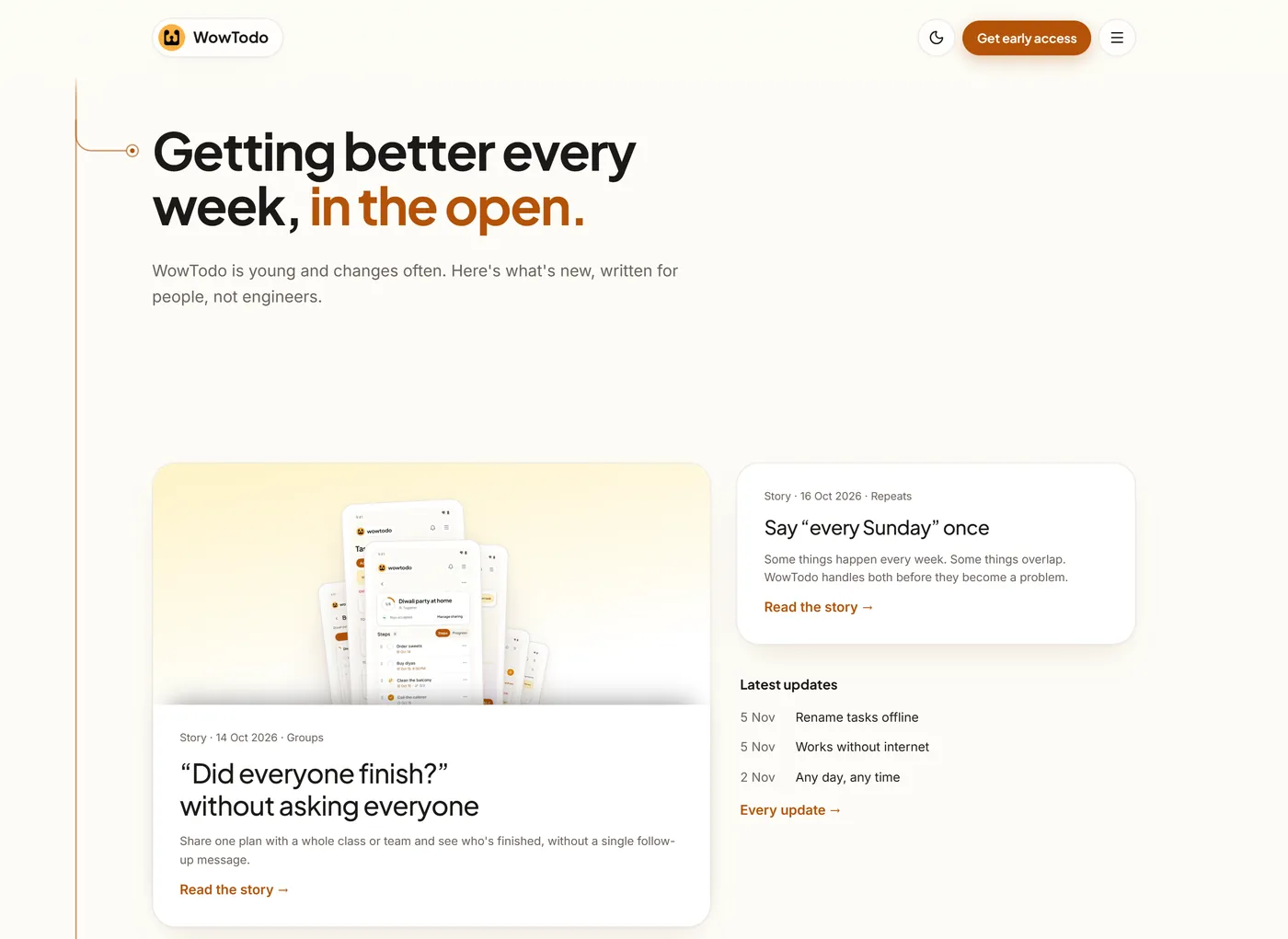
Wow To-Do

Less time managing tasks. More time living.

Productivity / Voice-first applications

Step throughwowtodo.app

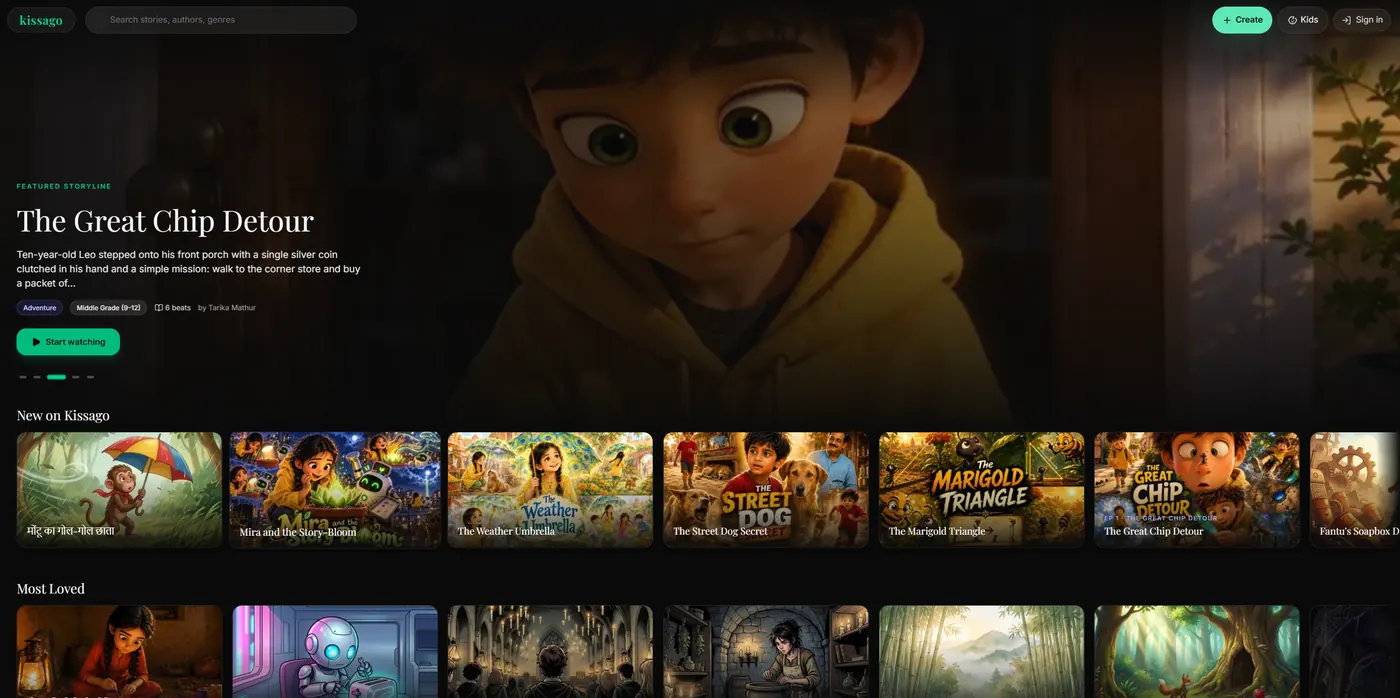
Kissago

Every imagination deserves a way out.

Creative technology / Interactive storytelling

Step throughkissago.cc

Wipeband

A little more comfort in everyday care.

Physical product / Design consultancy

Step throughwipeband.com

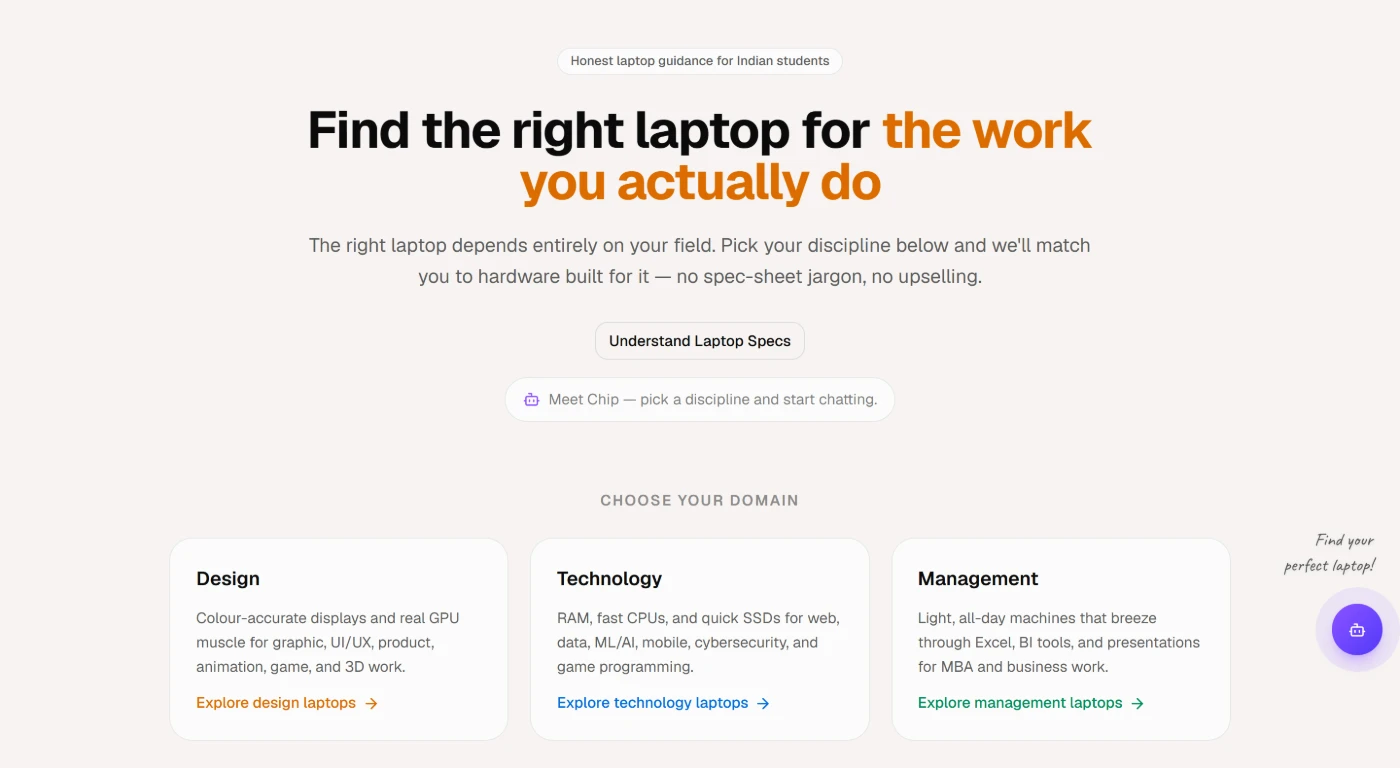
LaptopFinder

Better choices begin with better questions.

Decision support / Technology discovery

Step throughlaptopfinder.cc
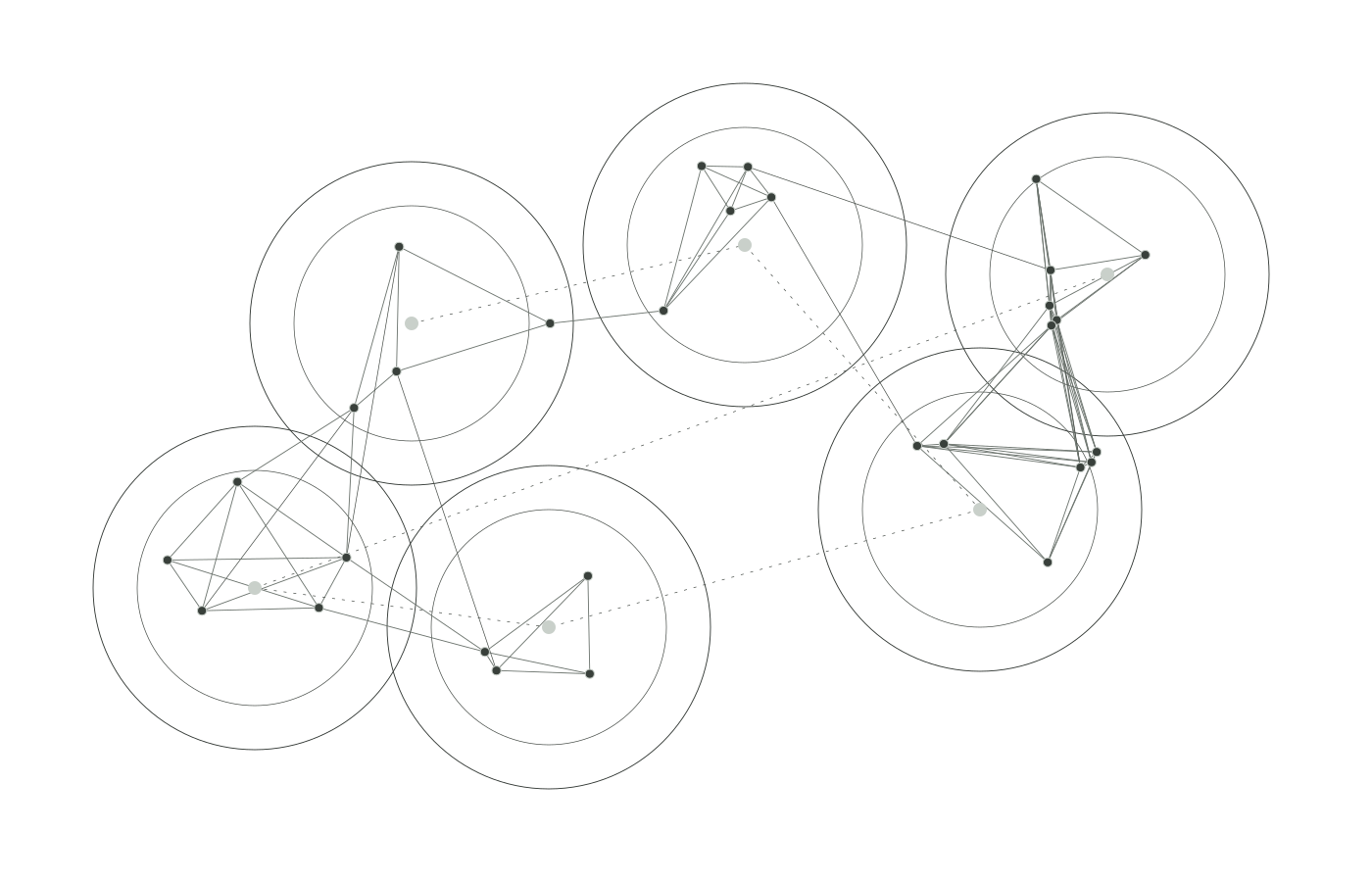
We help an idea become

Creative engineers, from design and technology. Strategists first, then makers, and we stay until it works.

Creative engineers. Different roots, same bench.

Someone who used to dress people, and now dresses software.

Someone who asks what a thing is for, before drawing a single line.

Someone who turns a messy brief into one clear sentence.

Someone who will argue for an hour over a two-pixel gap.

Someone who would rather sit in your office than send a report.

Someone who makes the database boring, on purpose.

Someone who follows a tap all the way down, and all the way back.

Someone happiest where design ends and code begins.

The door is open.

If you are just out of college, with a graduation project ahead, come and make it here. Bring an idea that fits the way we work, and we will build it with you.

No idea yet? That is fine too. Join one of ours, and learn it by doing.

Write to us

Your resume, your intent, and your SOP.

Something on your mind?

An idea, a challenge, a possibility.
We'd love to hear it.

Aavriti Design StudioMumbai | GandhinagarIndiacontact@aavriti.com

Thoughtfully made, one detail at a time.
Wow To-Do

Less time managing tasks. More time living.

A website, an admin panel and a mobile app. Android releasing soon, iOS to follow.

Chapter 1 of 9

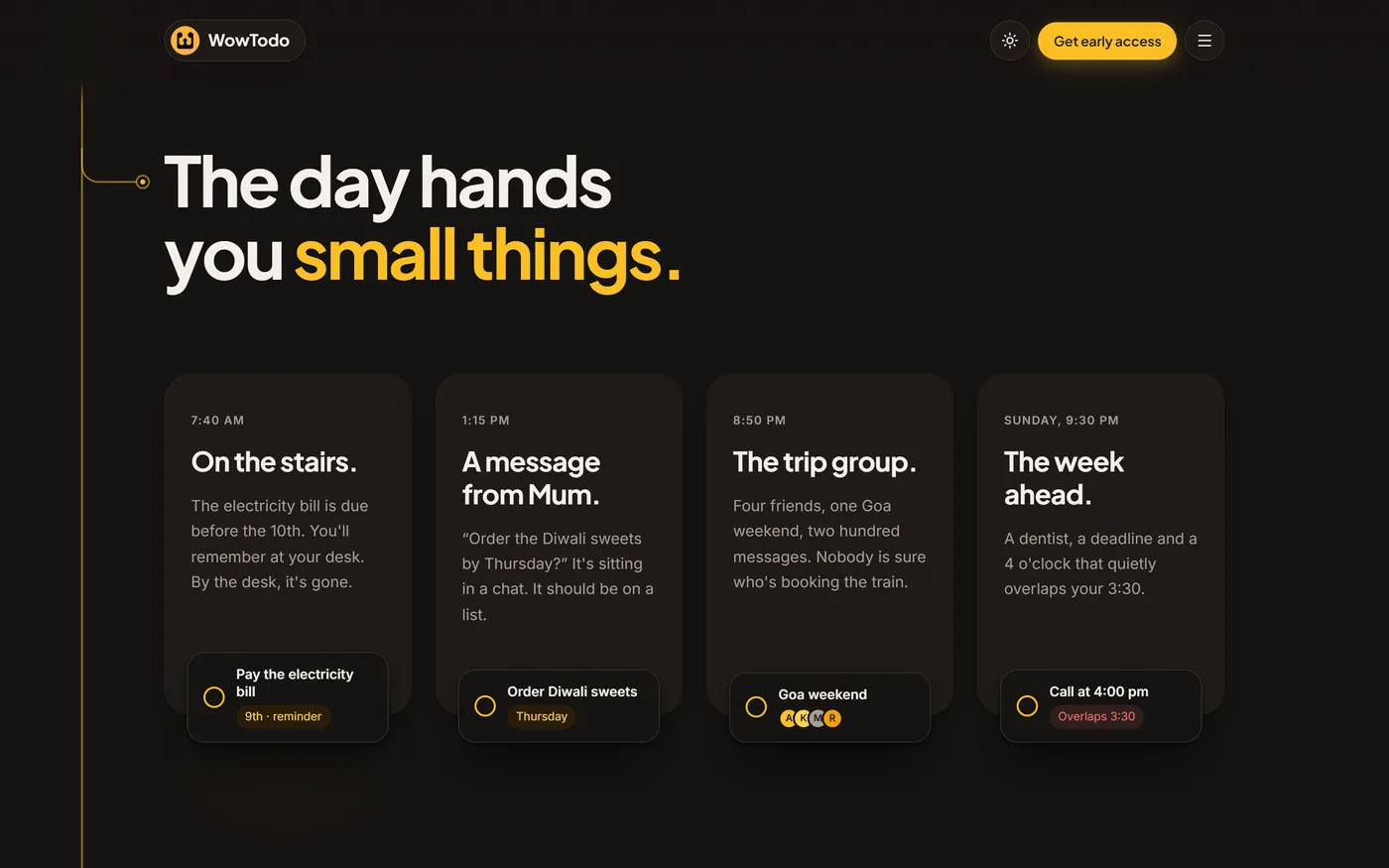
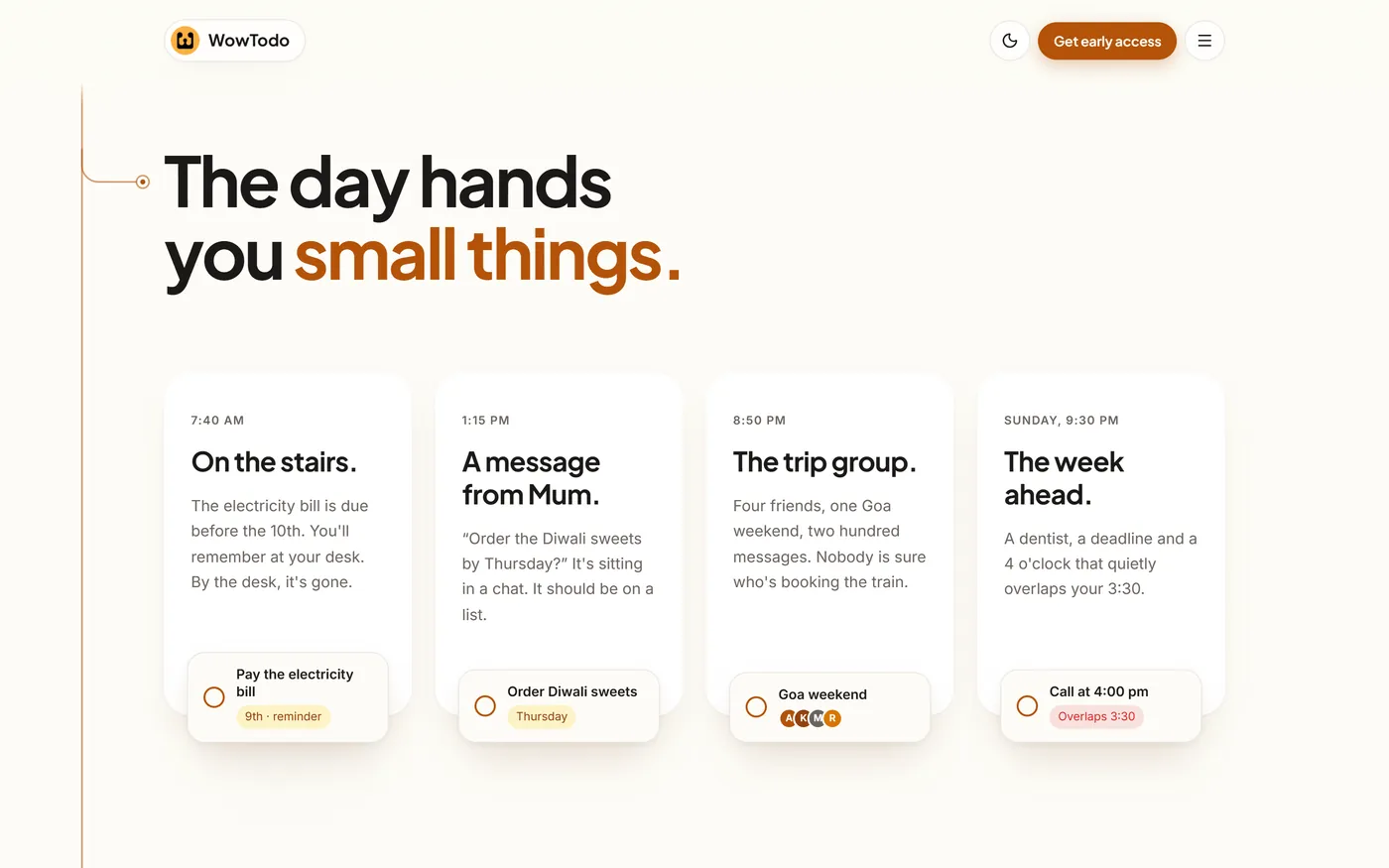
The day hands you small things.

An electricity bill due on the tenth. A message from Mum: order the Diwali sweets by Thursday. A trip group with two hundred messages and nobody booking the train. None of it is hard. There is just a lot of it, in too many places.

Chapter 2 of 9

Say it the way you'd say it.

Tap the mic and say: Kal shaam 6 baje Ayesha ko call karna hai. Wow To-Do hears a task, a time and a reminder. Speak or type in English, in Hindi, or in both at once.
Chapter 3 of 9

See it before it's saved.
Nothing is saved until you have seen it. Wow shows what it will add, and you can change the words or the time first. Big plans come grouped in parts, as an outline.

Chapter 4 of 9

Your day, sorted.

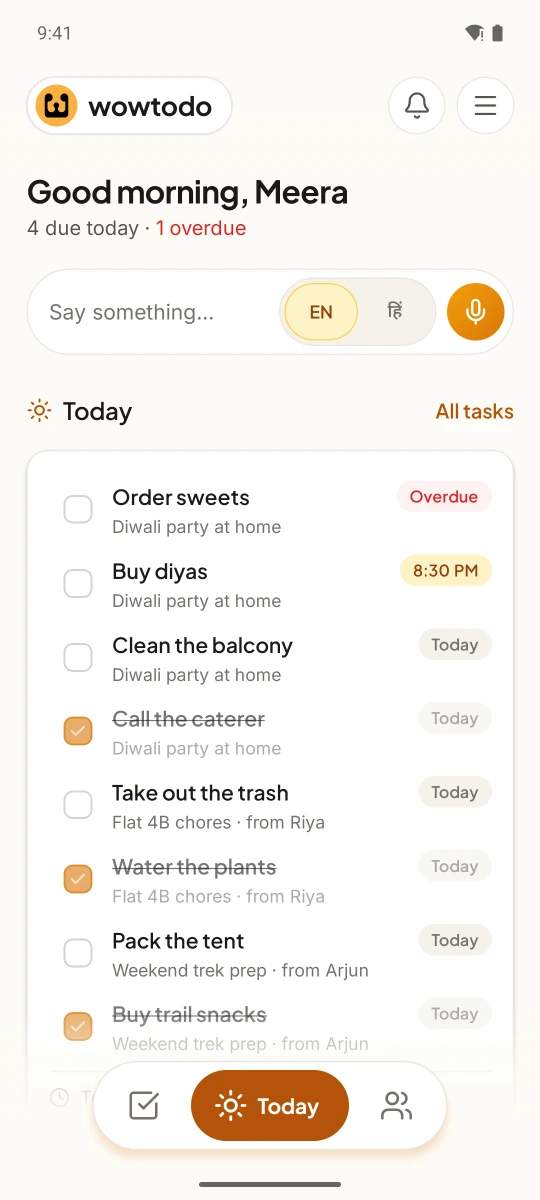
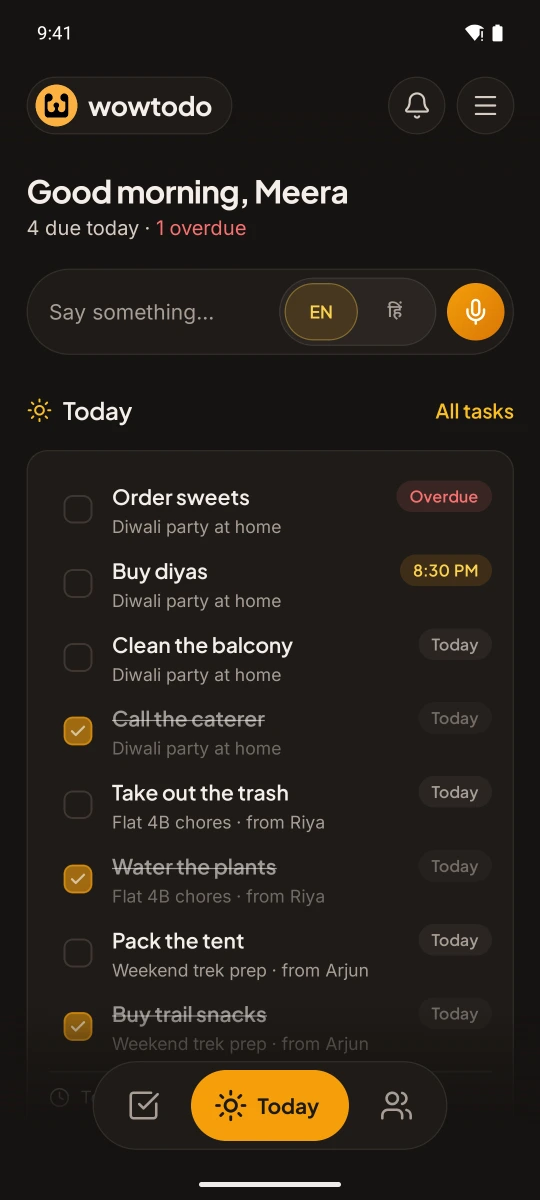
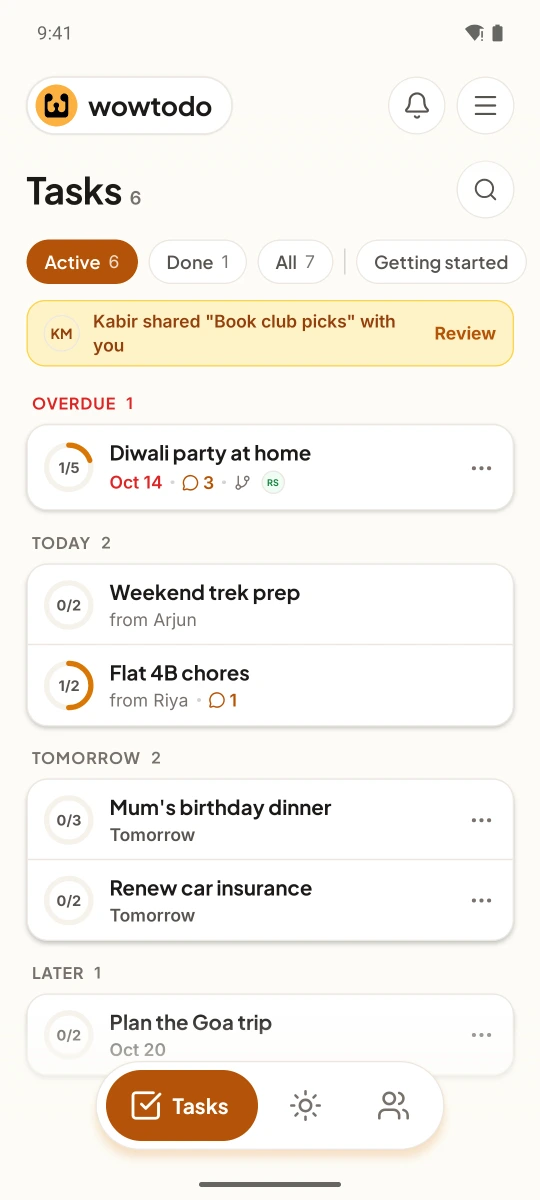
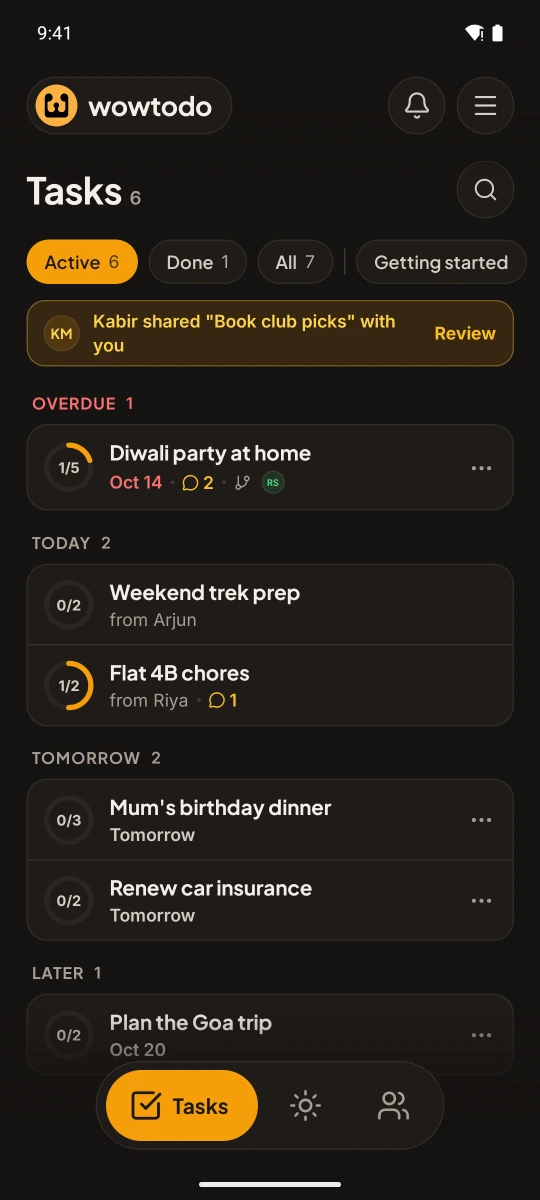
Tasks land in Overdue, Today, Tomorrow and Later. Start and end times are kept, and a task that overlaps another gets a warning. Reminders are set per step, as a notification or an alarm that rings until you answer. Say "every Sunday" once and it repeats.

Chapter 5 of 9

One plan, many people.

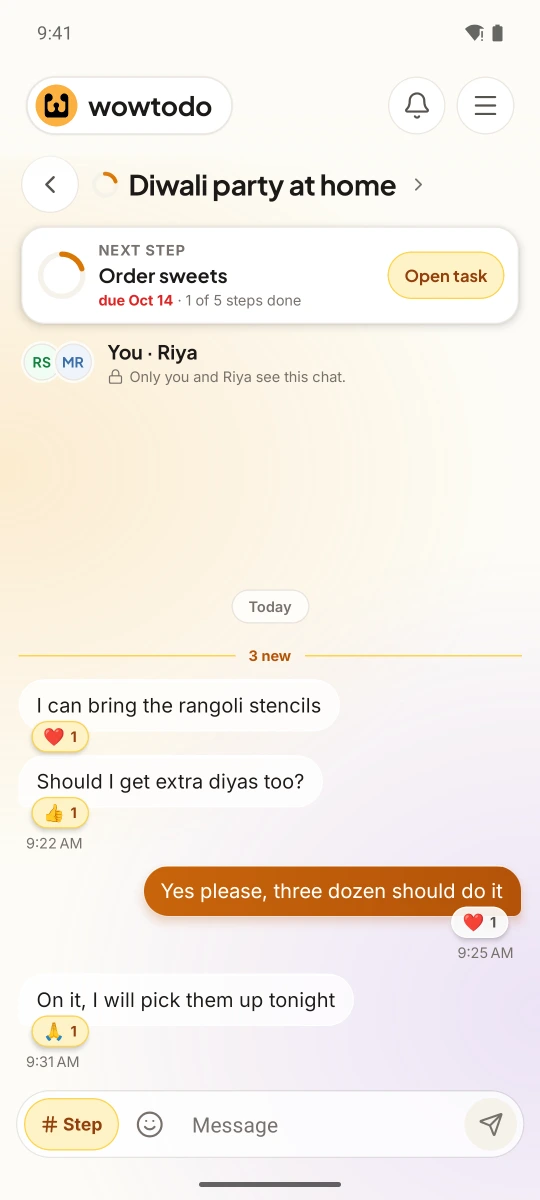
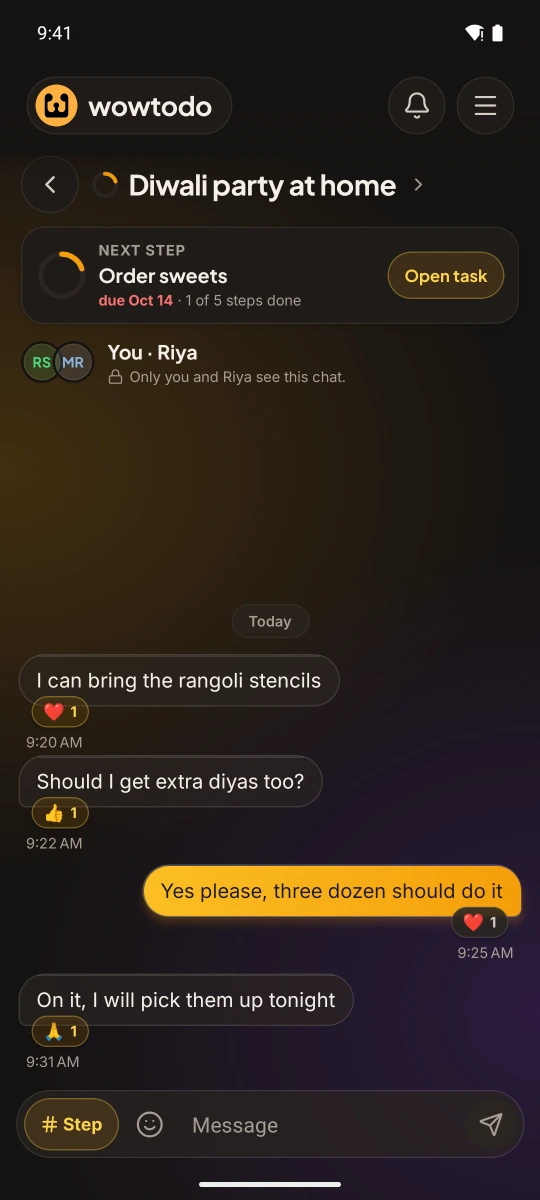
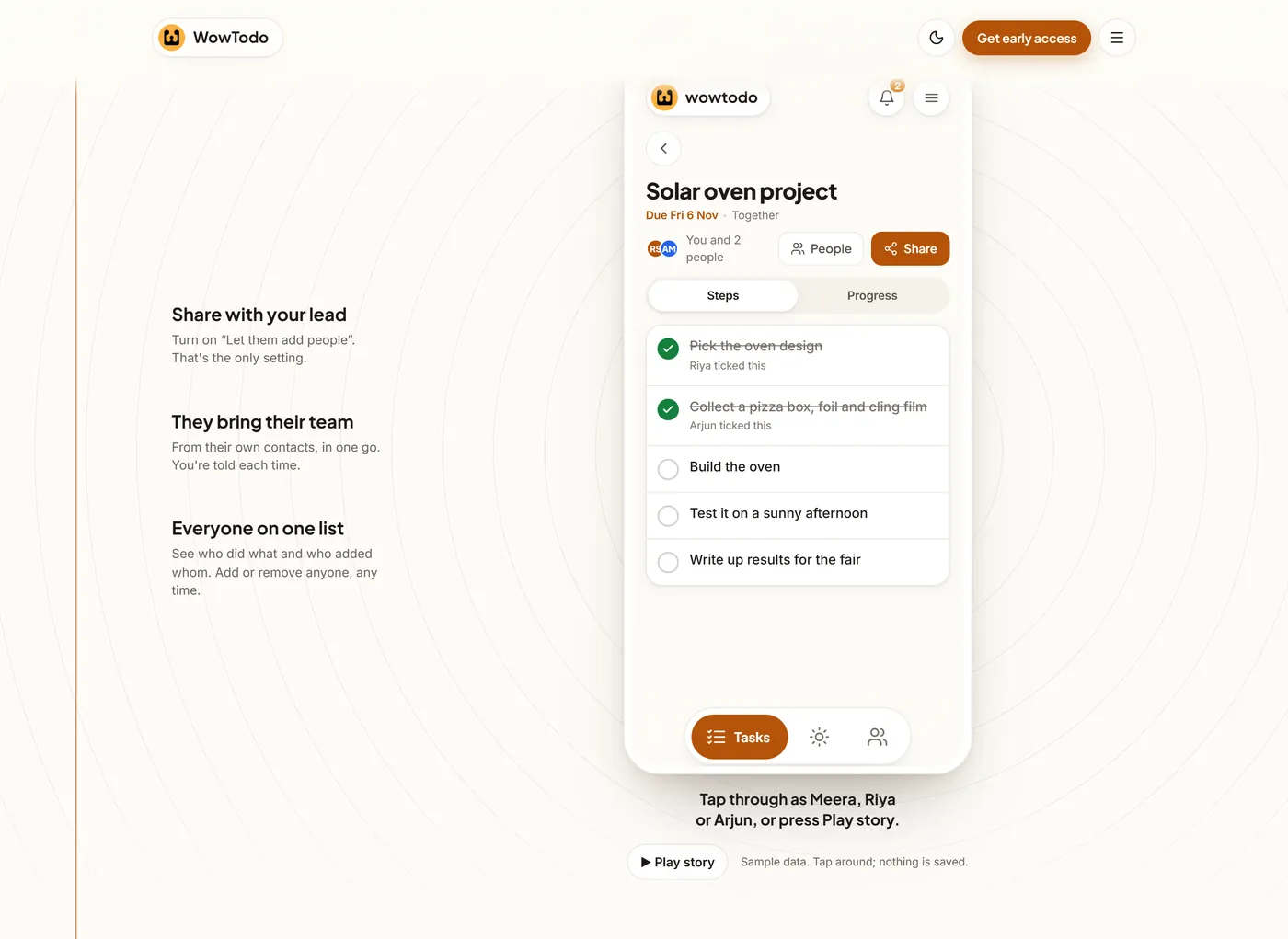
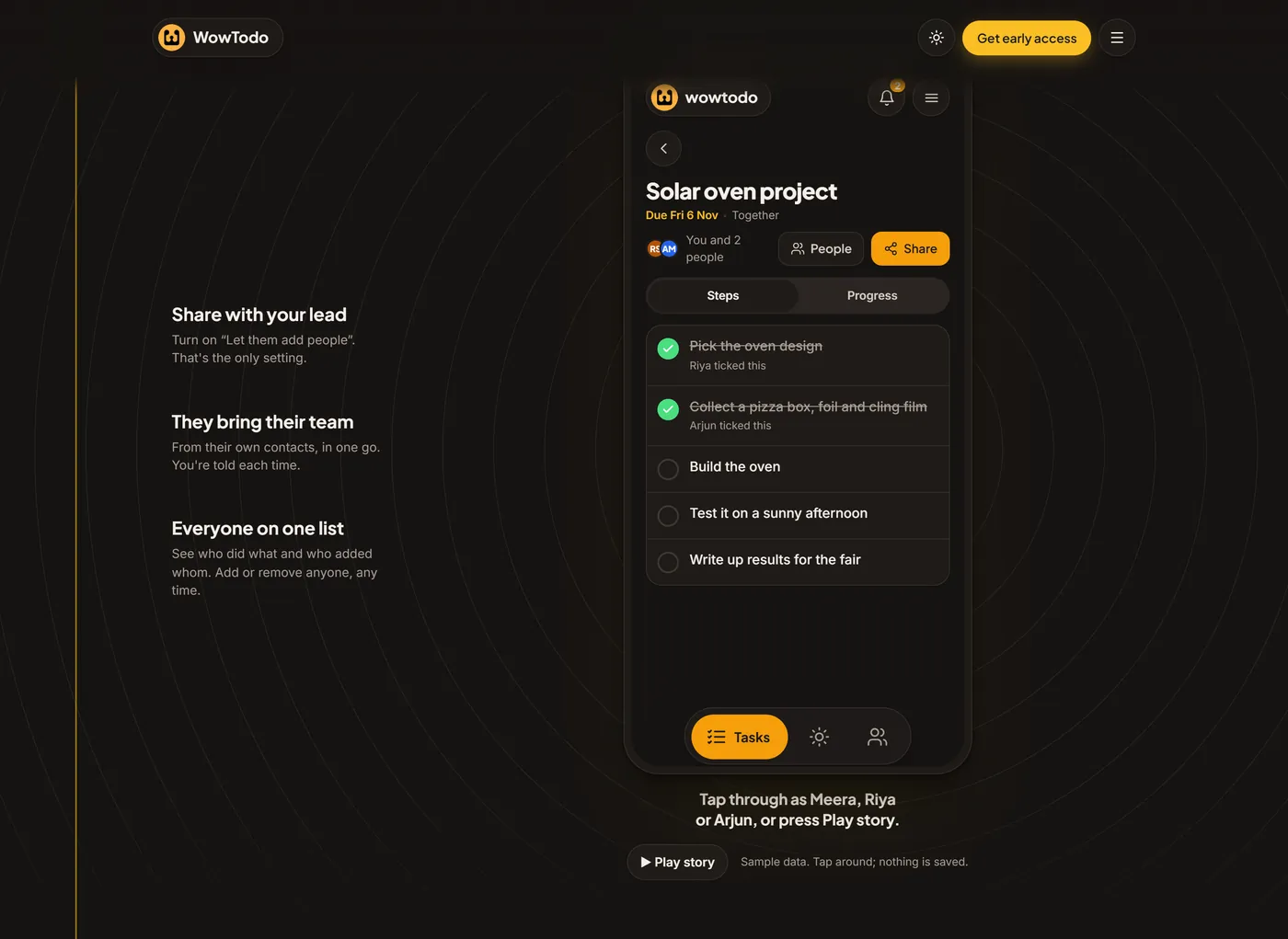
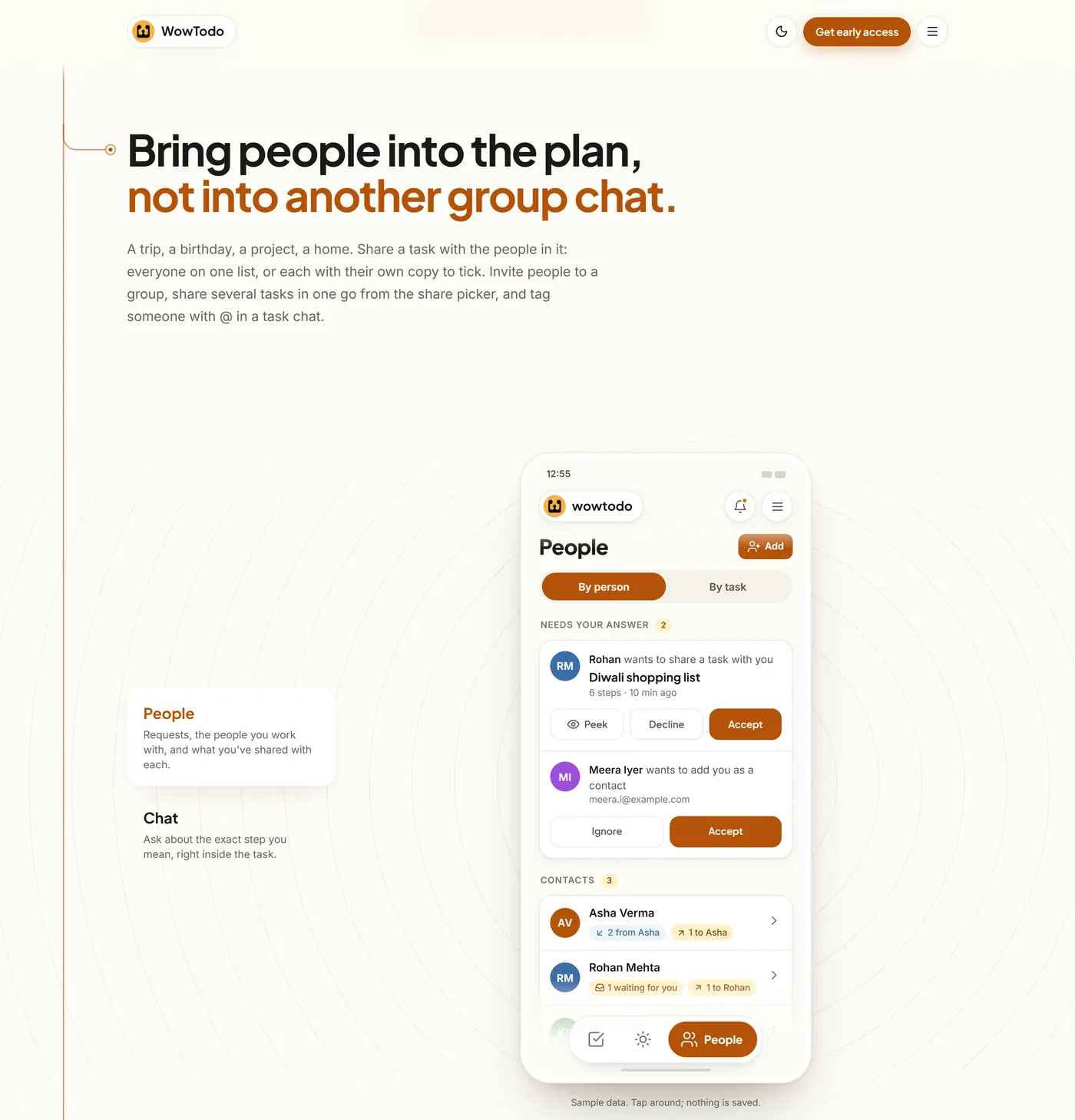
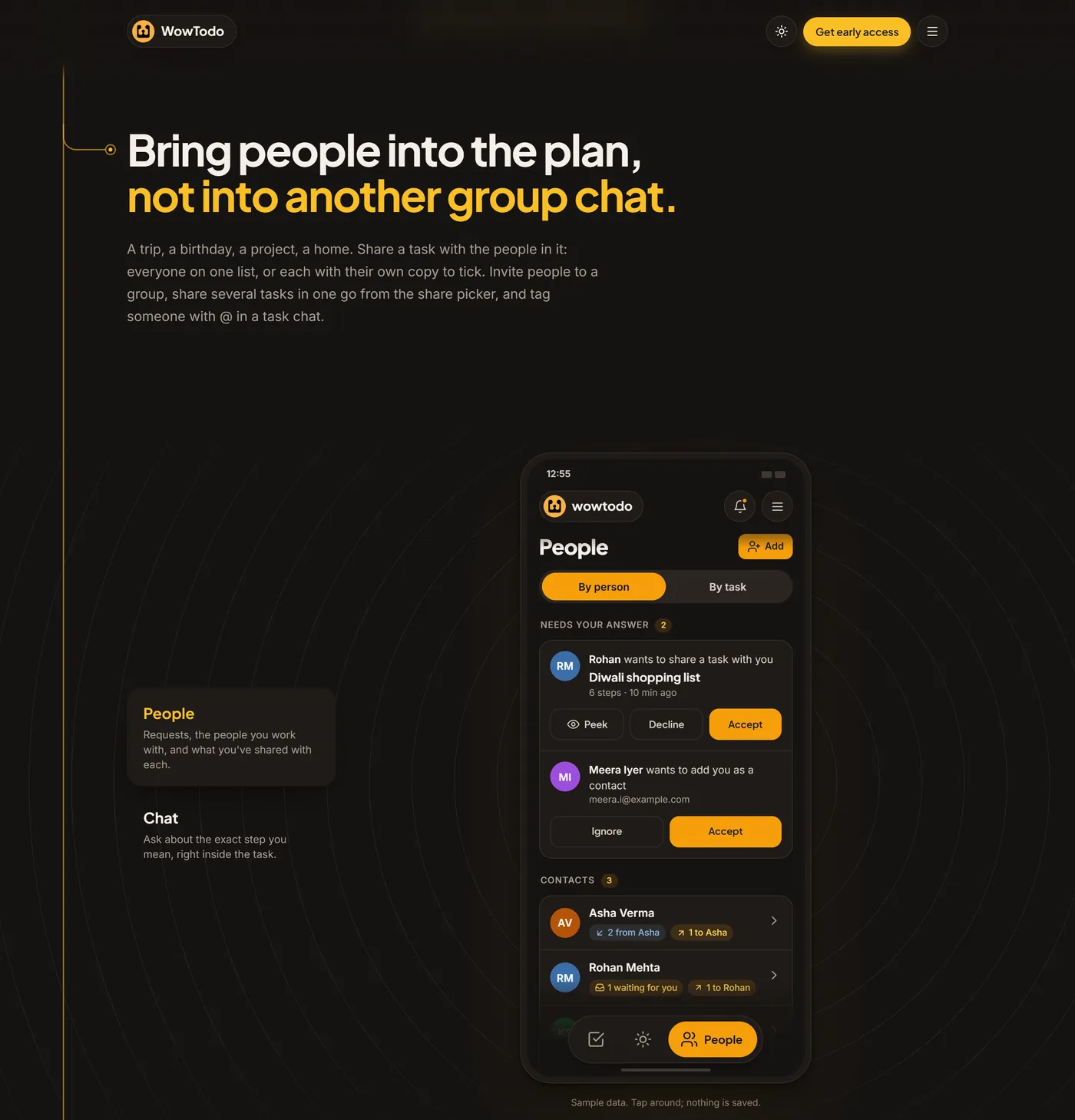
Share a task and people accept it and tick steps. Share one list, or give everyone their own copy. Ask about a step in a chat on the task itself, not in a group message that scrolls away.

Chapter 6 of 9

The website does the explaining.

A product people can't picture doesn't get tried. So the site shows it. A first screen that speaks the way people do. A demo you can tap, with sample data and nothing saved. A page for each idea, such as bringing people into a plan, not into another group chat.

Chapter 7 of 9

The room behind the screen.

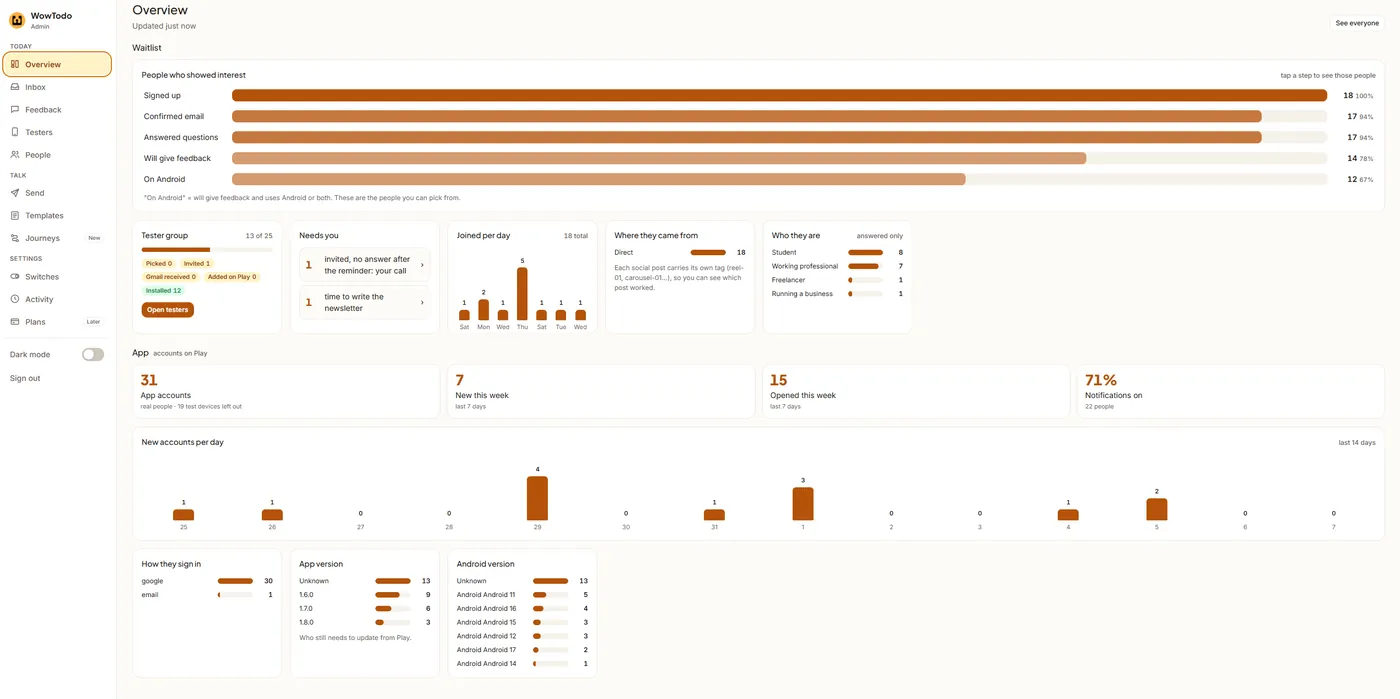
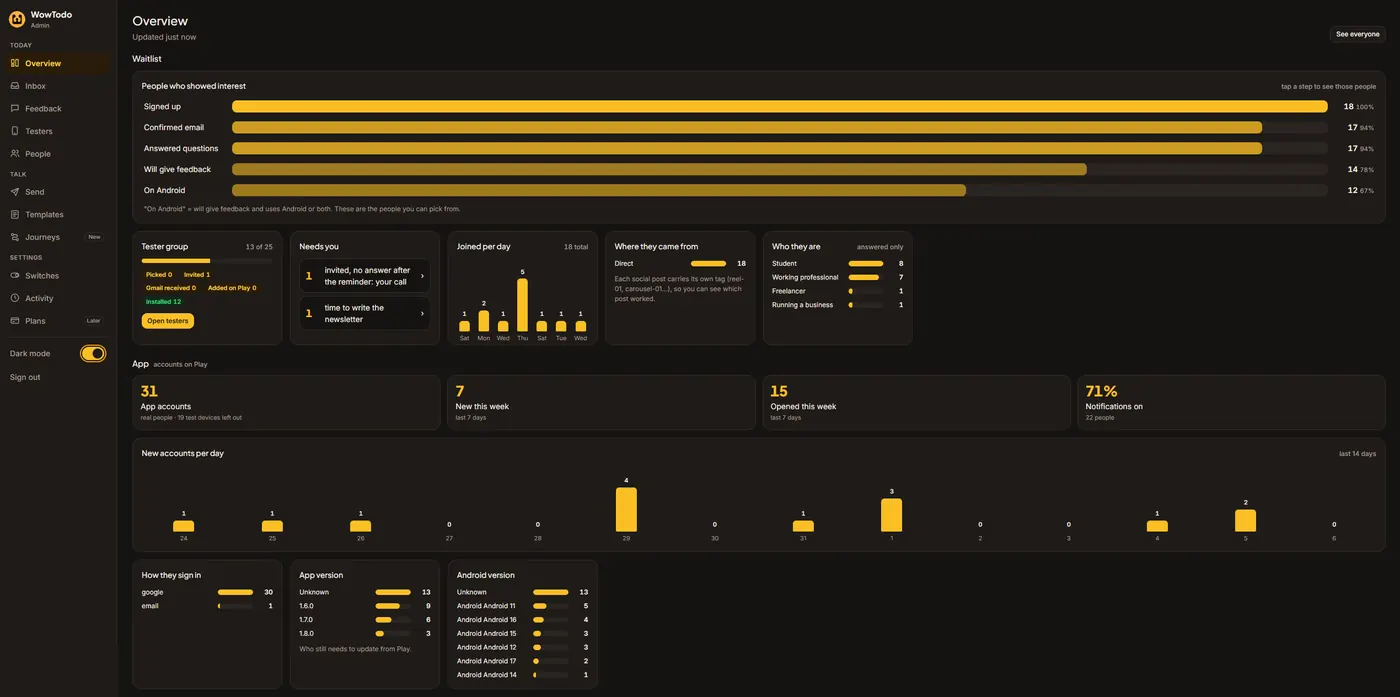
Every product needs a back room, so the studio built one. An admin panel with an overview of the waitlist from signup to installed, an inbox, feedback, testers, people, templates and sends. Each social post carries its own tag, so it shows which one brought people in.

Chapter 8 of 9

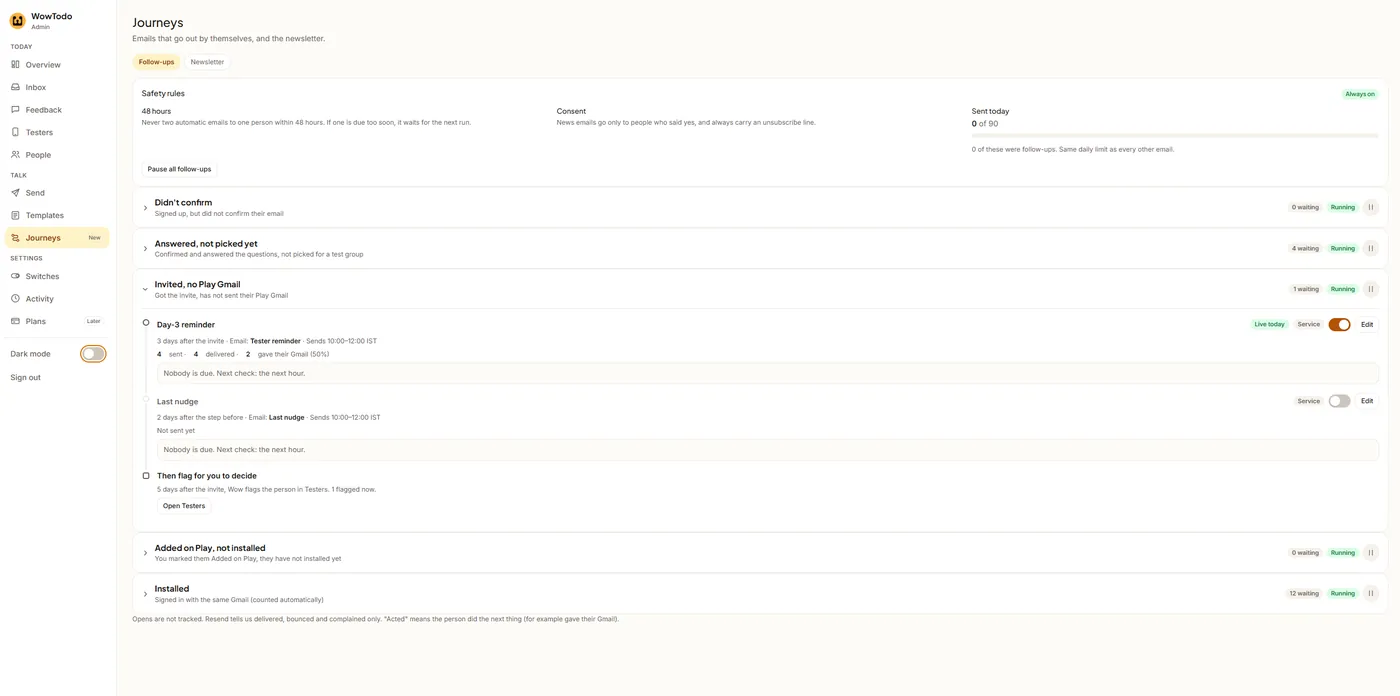
Email that looks after itself.

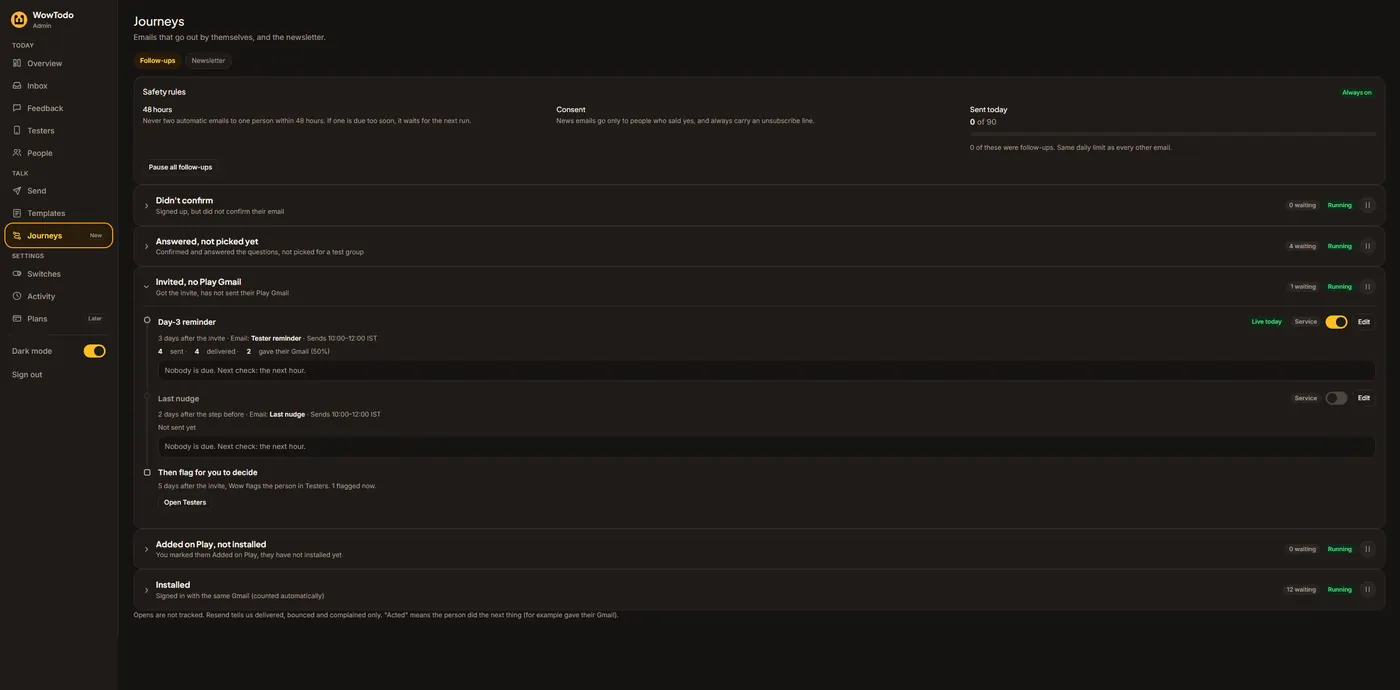
Journeys send follow-ups without anyone remembering to. The rules are built in and always on. Never two automatic emails to one person within 48 hours. News only to people who said yes, each with an unsubscribe line. A daily limit, and one button to pause everything. Opens are not tracked.

Chapter 9 of 9

Out in the open.

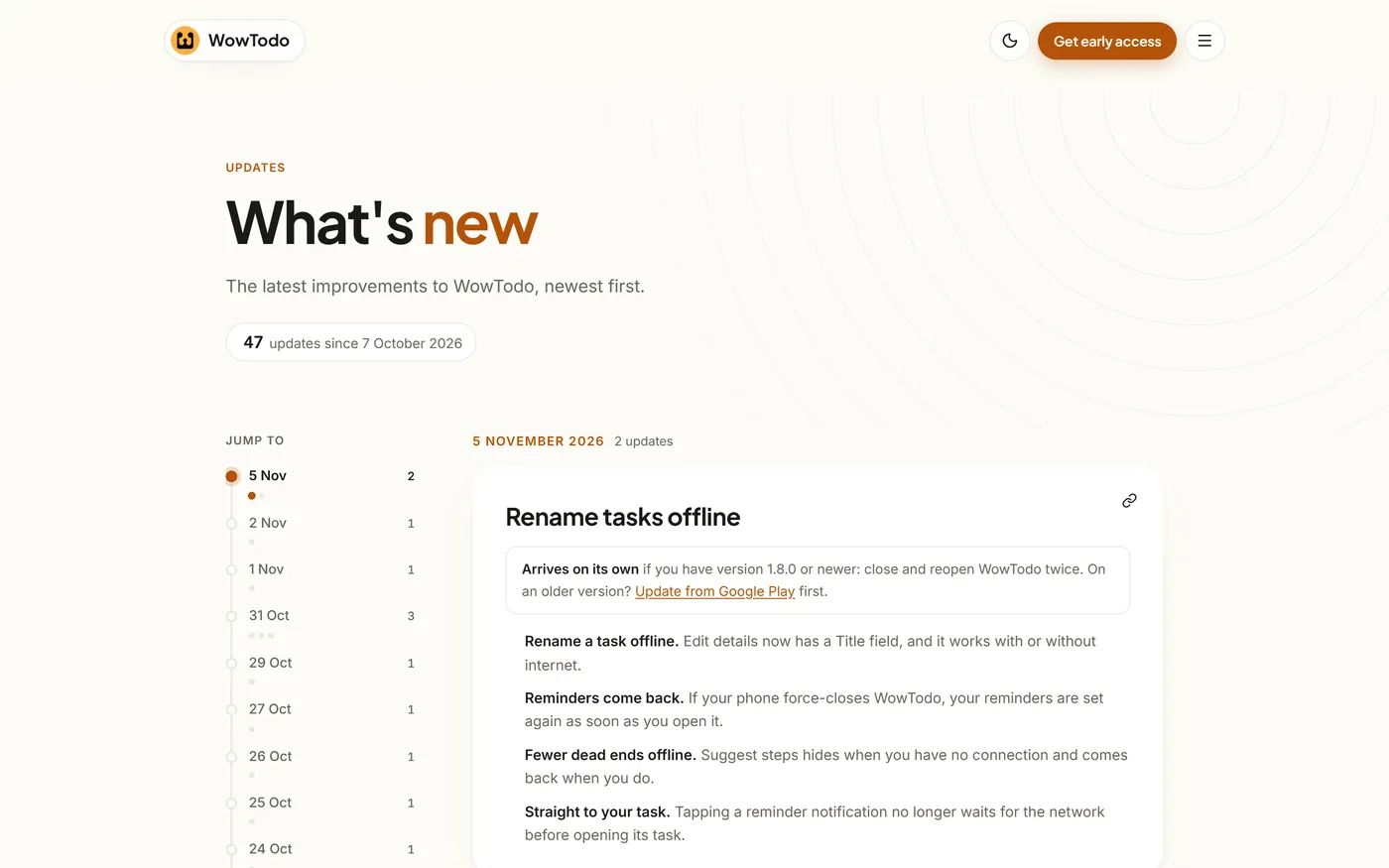
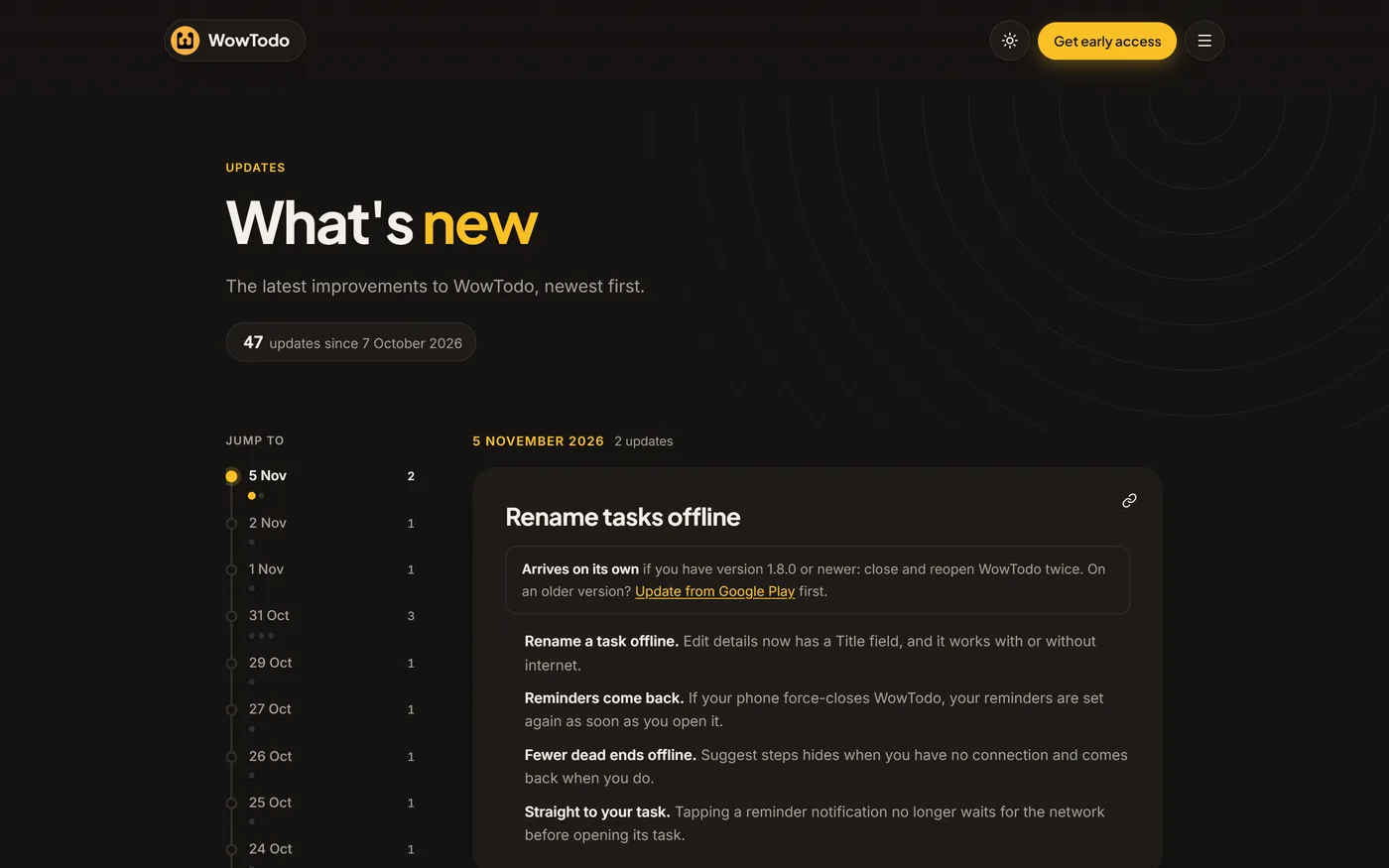
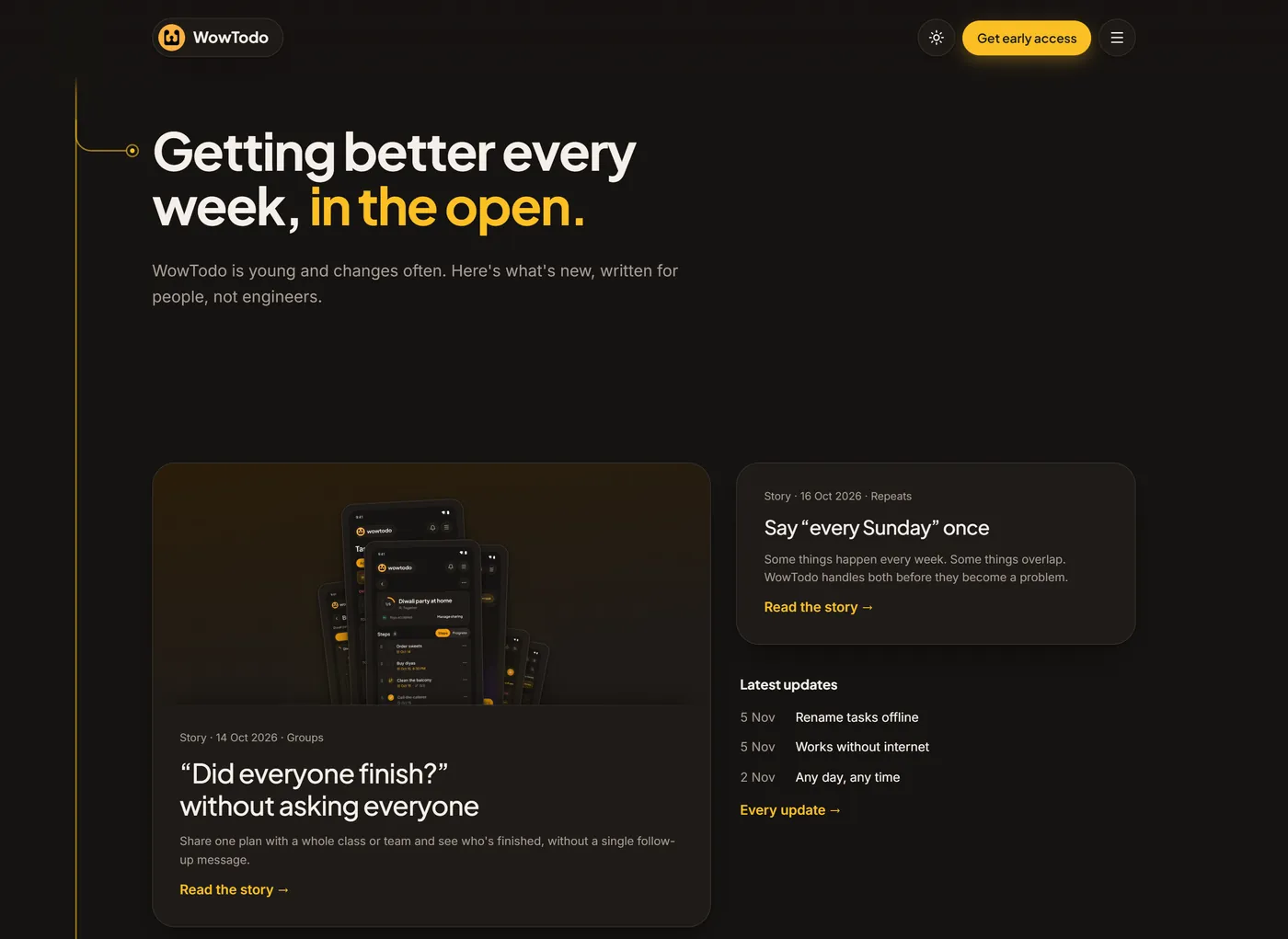
Android is releasing soon, with iOS to follow. Until then it goes out in early access, to small groups chosen by hand from the waitlist. Every change gets a plain-words entry on an updates page, and bigger ideas get a short story. Recent ones: it works without internet, and you can rename a task offline.

A website, an admin panel and an app, designed and built by Aavriti Design Studio.

Visit wowtodo.appNext project: KissagoBack to the story

Kissago

Every imagination deserves a way out.

AI storytelling in English and Hindi. Designed and built end to end.

Chapter 1 of 6

A story that answers back.

A picture book ends where its author stopped. Ask for another ending and there isn't one. In Kissago every story can go more than one way. Open it and there is already something to watch, in English and in Hindi.

Chapter 2 of 6

Start with one line.

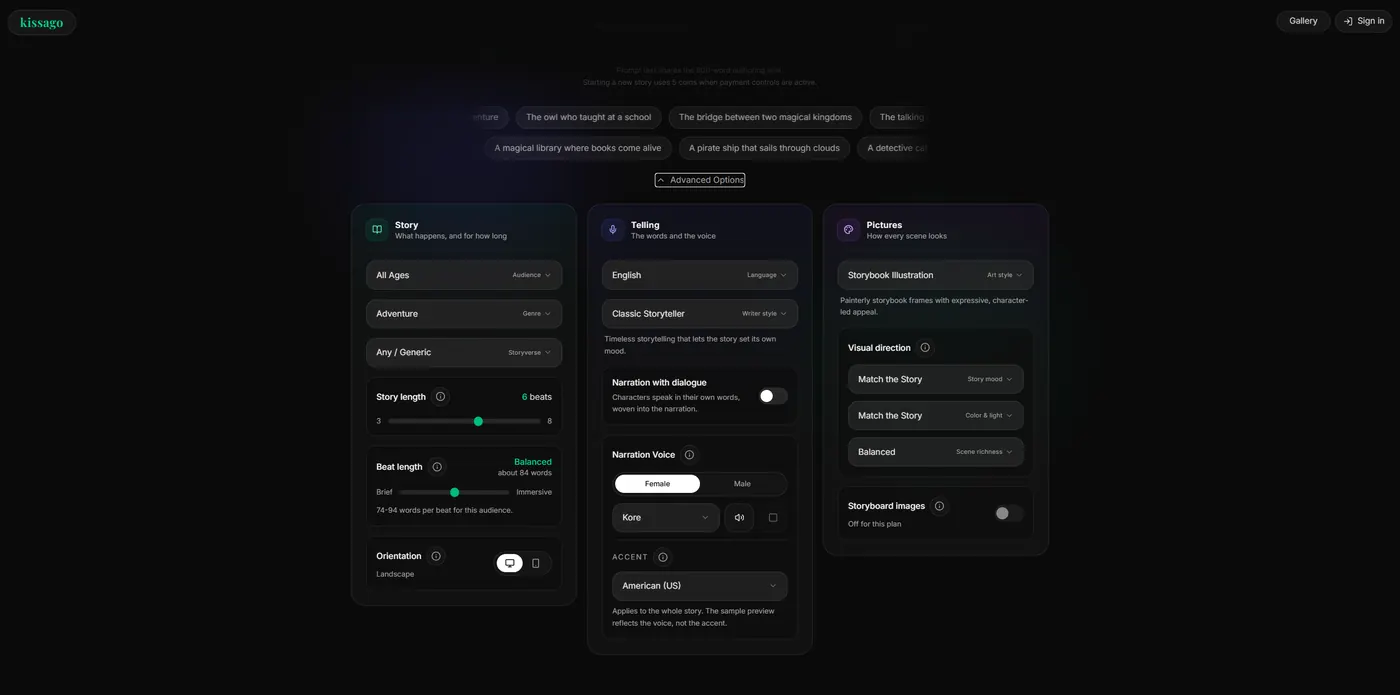
Type an idea, say a monkey and an elephant, and press Go. AI writes the story, paints each scene and gives it a voice. Under Advanced Options sits the rest: audience, genre, length, language, narrator and art style. Three groups, so that a lot of choice stays calm.

Chapter 3 of 6

Every scene ends with a choice.

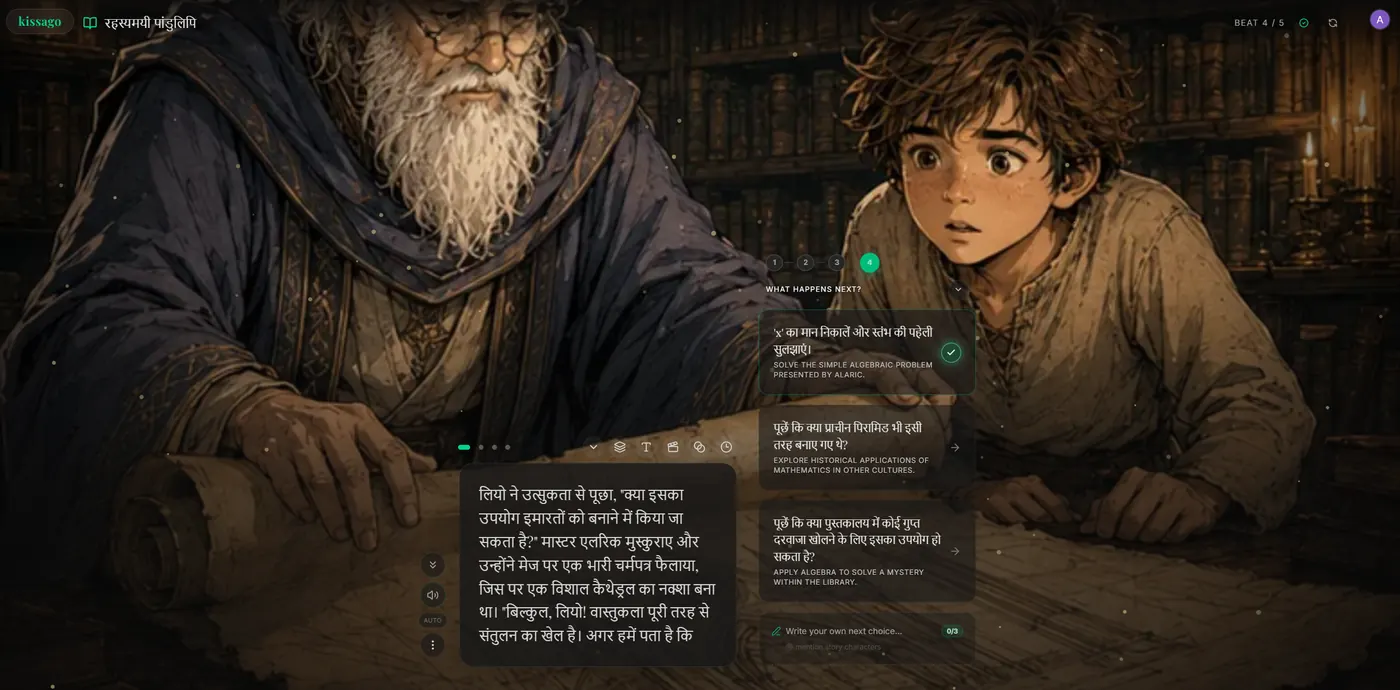
The reader picks what happens next, or writes their own choice. Here the story is in Hindi, with a line of English under each option. Two languages, one product, not a second one bolted on.

Chapter 4 of 6

A story can keep going.

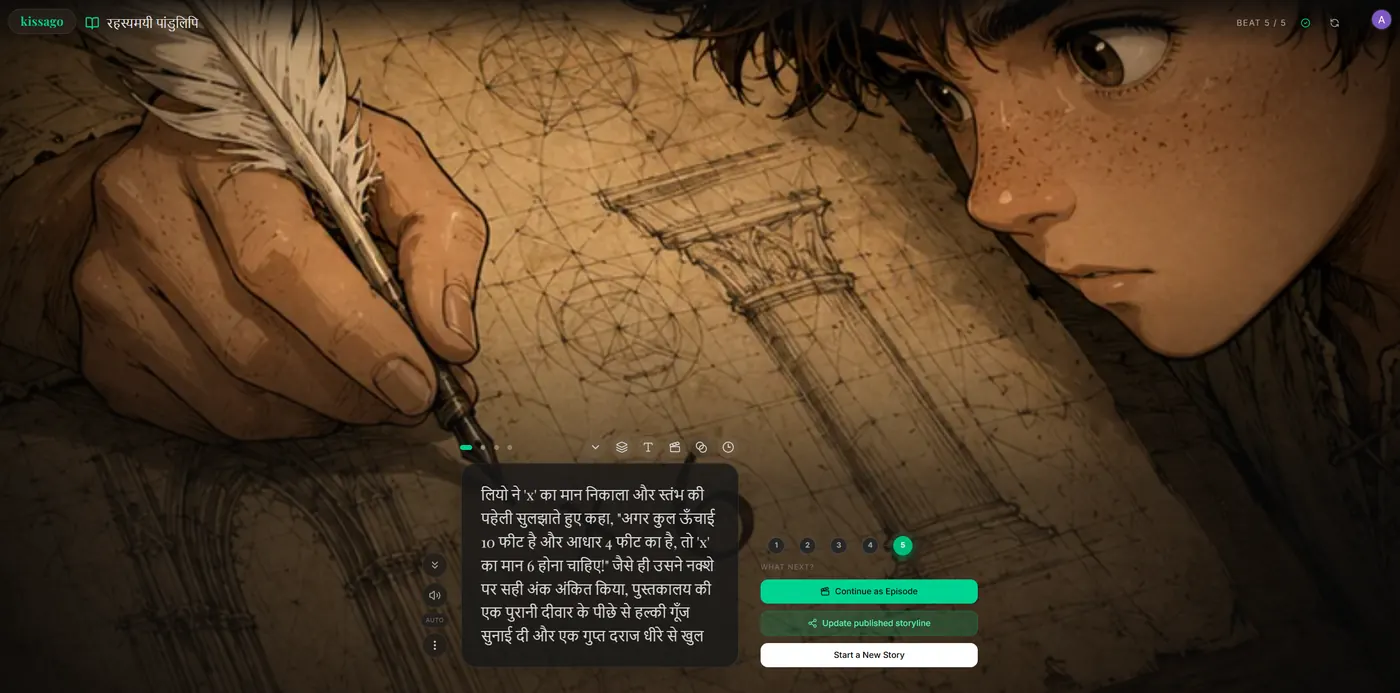
At the last beat the author chooses: continue as an episode, update the published storyline, or start a new story. One story becomes a series, and something already published can still be revised.

Chapter 5 of 6

Direct the feel.

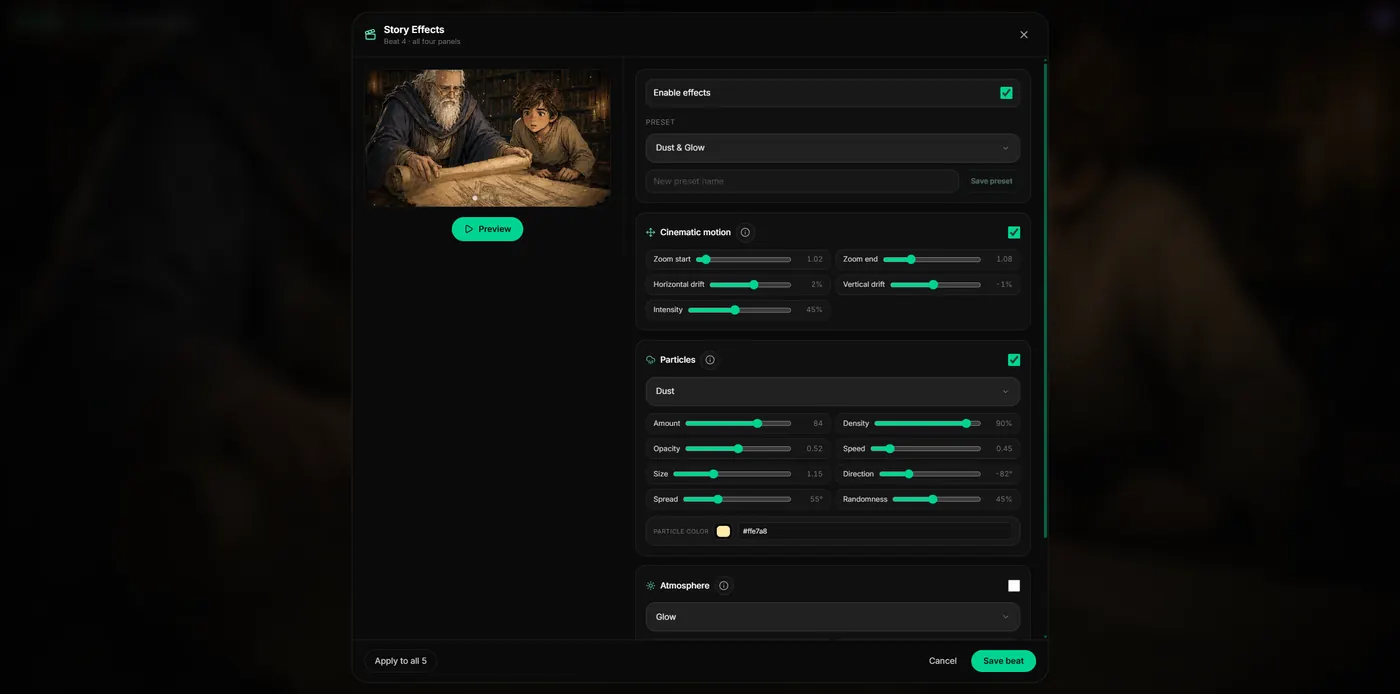
Story Effects is a small control room for each scene: a slow zoom, a drift, dust in the air, a glow. There is a preview, saved presets, and one button to apply the look to every beat. It is built like a tool for people who make things, because here they do.

Chapter 6 of 6

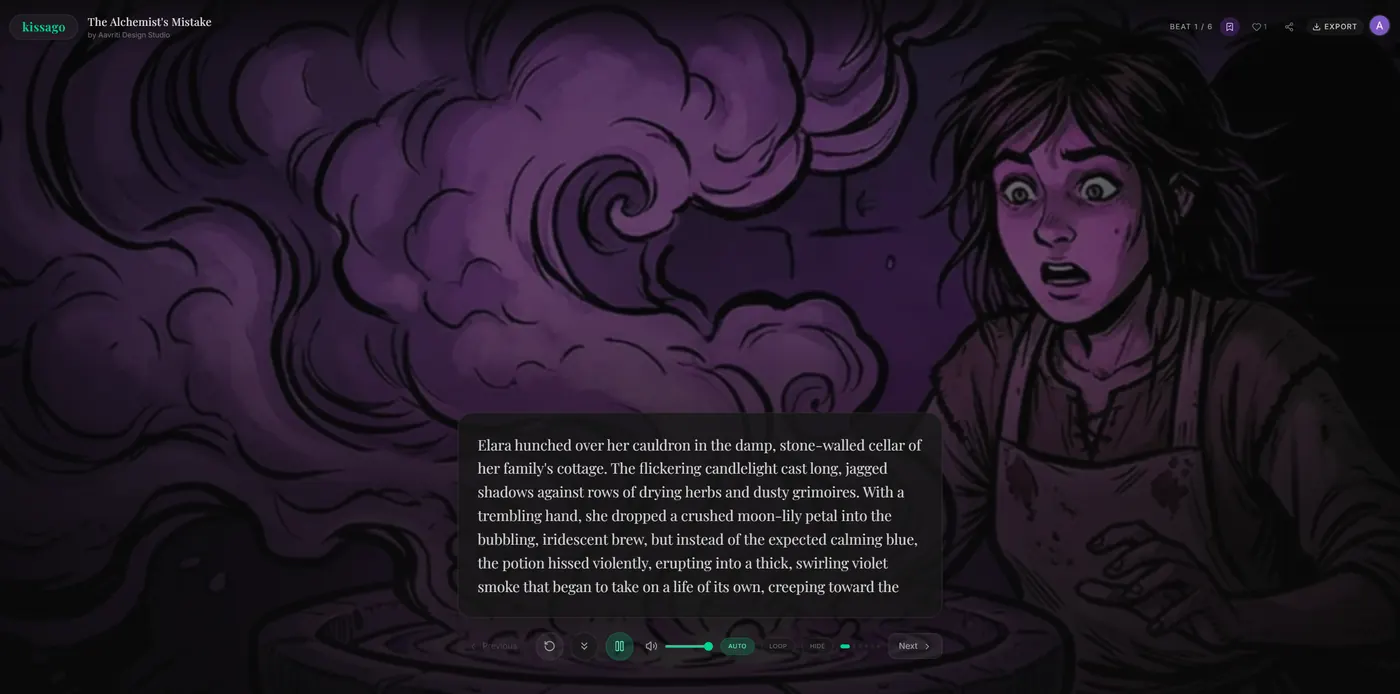
Ready before it opens.

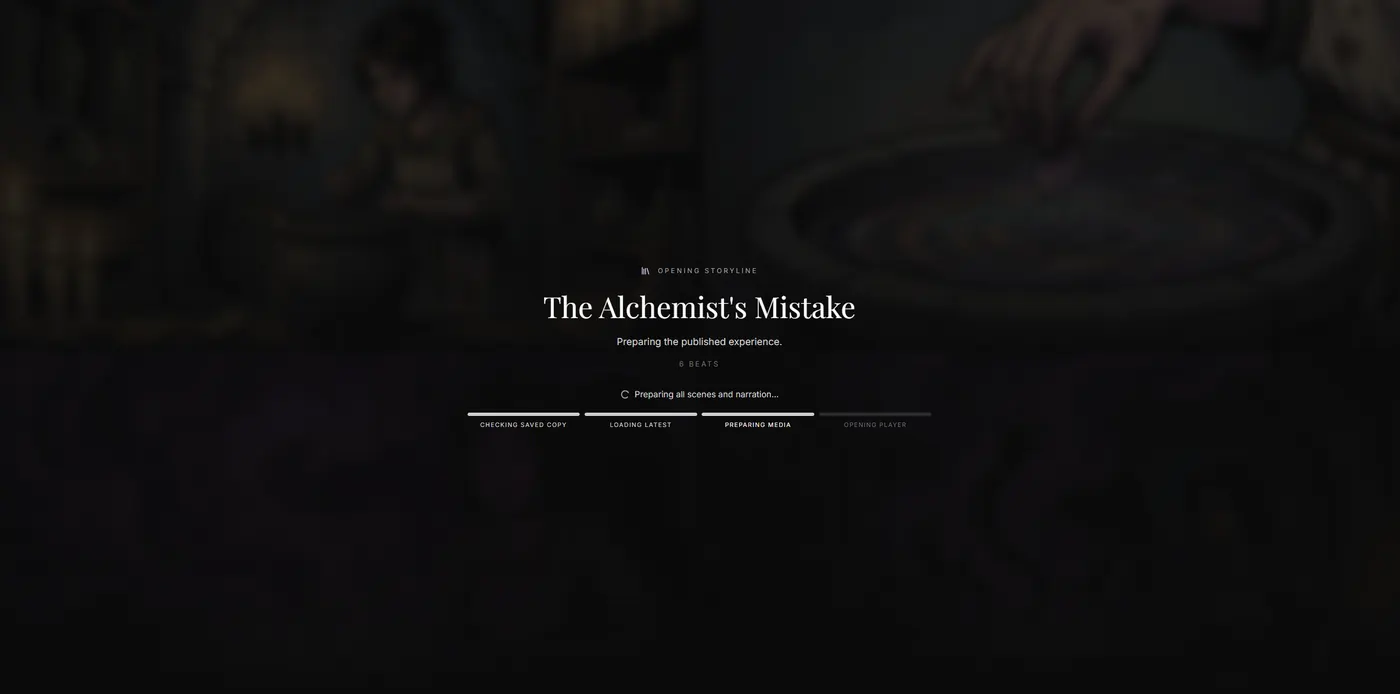
A story is pictures, words and a voice, and a stall in the middle ruins it. So the player prepares first: it checks for a saved copy, loads the latest version, gets every scene and its narration ready, then opens. The reader has narration, pause, loop and volume, and a story can be liked, shared and exported.

A working product, designed and built by Aavriti Design Studio.

Visit kissago.ccNext project: WipebandBack to the story

Wipeband

A little more comfort in everyday care.

A wearable tissue for children, with a U.S. patent. More than six years as its design consultant.

Chapter 1 of 9

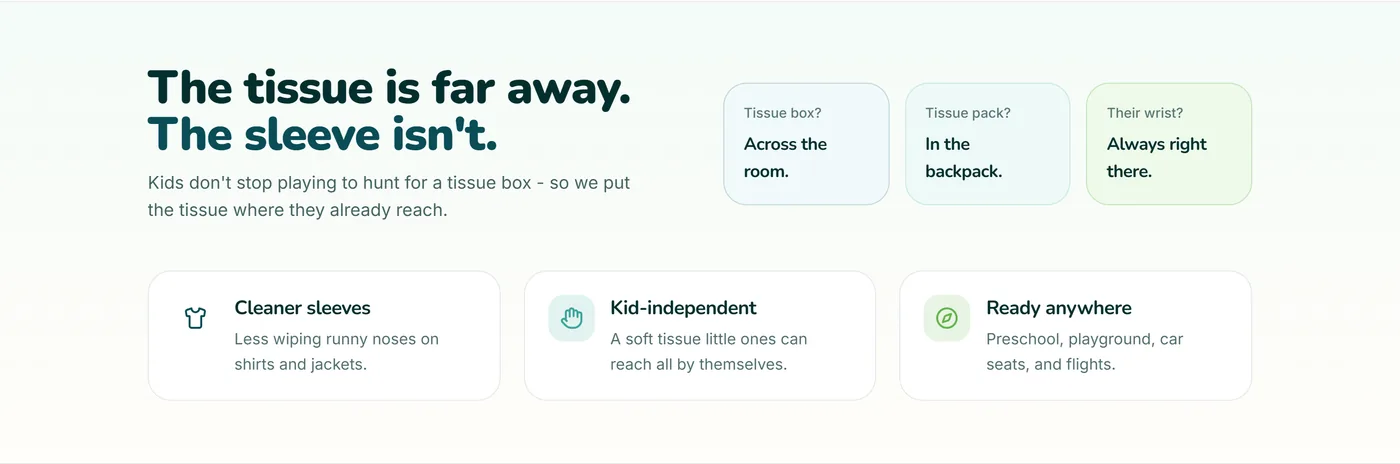
The tissue is far away. The sleeve isn't.

A child's nose runs in the middle of play. The tissue box is across the room, the packet is somewhere in the backpack, and the sleeve is right there. Wipeband puts the tissue where a child already reaches: on the wrist.

Chapter 2 of 9

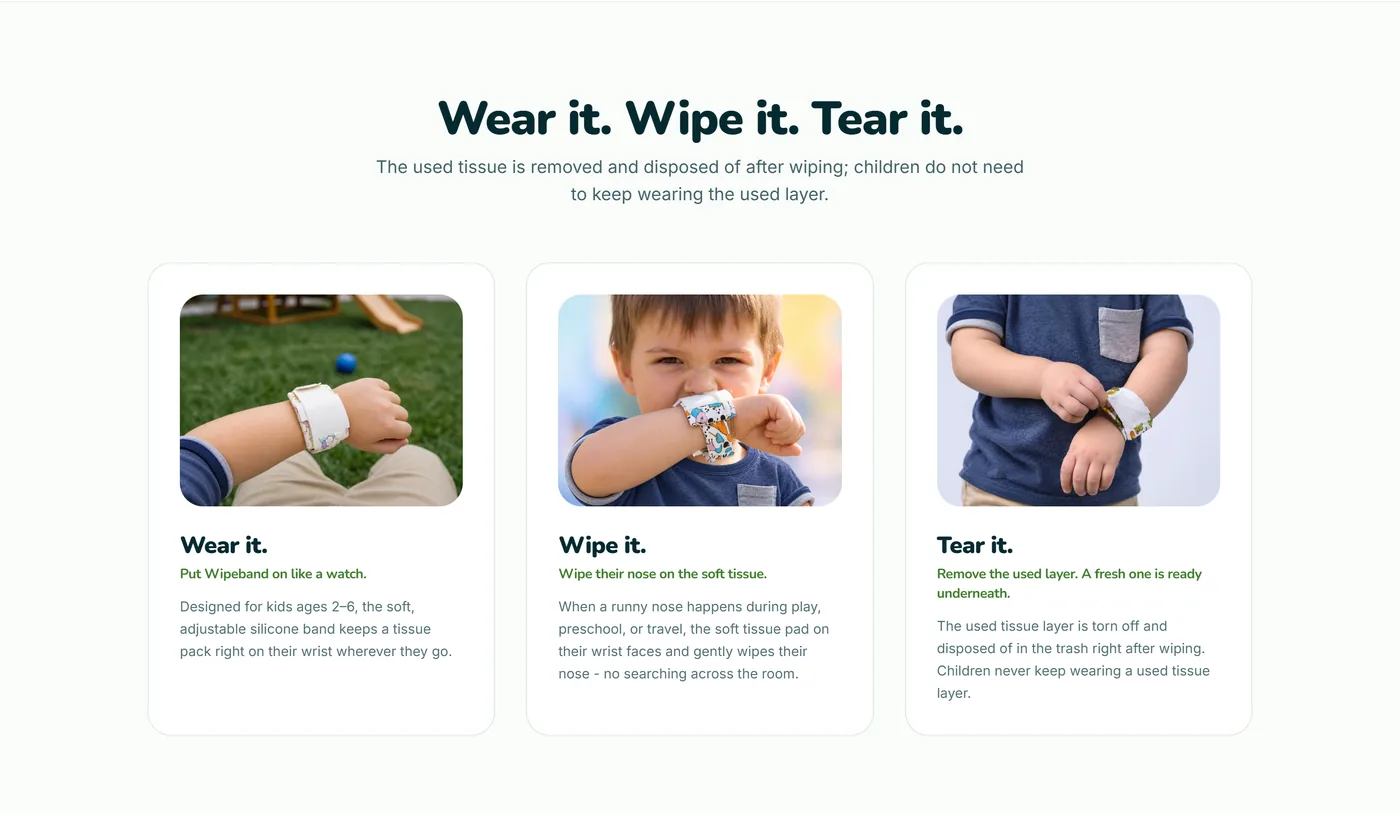
Wear it. Wipe it. Tear it.

A soft silicone band is worn like a watch, made for children aged 2 to 6. Wipe the nose on the soft tissue, tear off the used layer and throw it away, and a fresh one is underneath. A child never keeps wearing a used layer.

Chapter 3 of 9

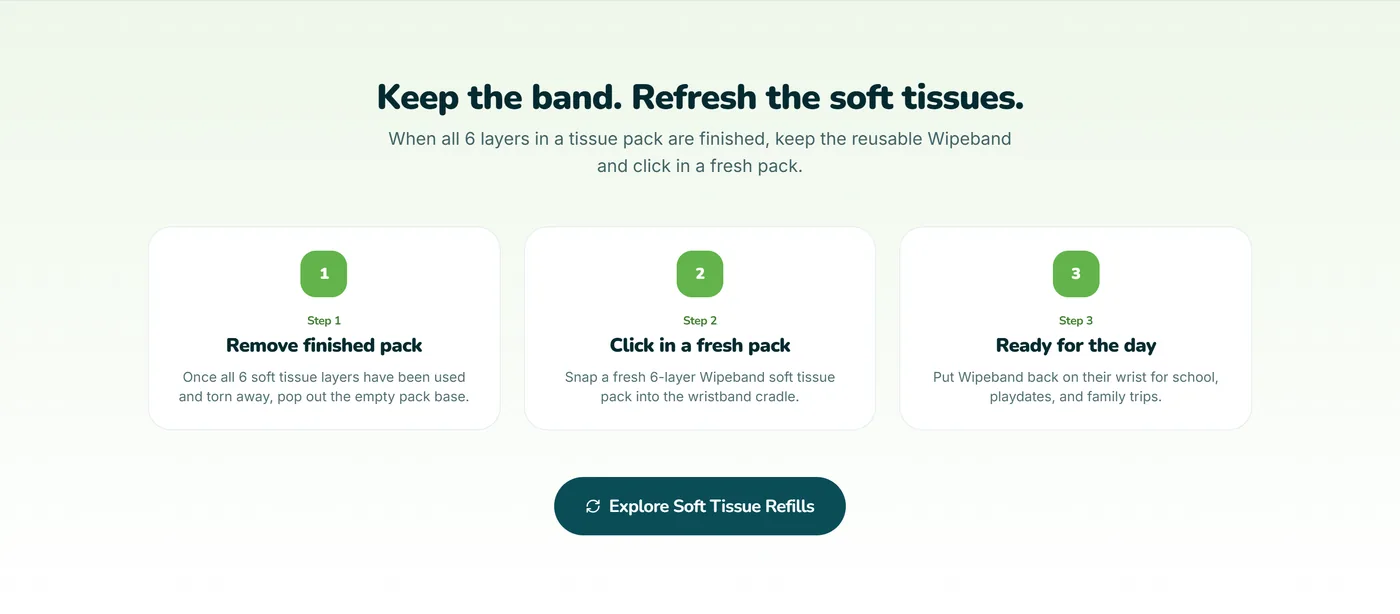
Keep the band, change the pack.

One pack holds six layers of tissue. When they are all used, the empty pack pops out and a fresh one clicks into the band. The band stays, and the refills fit every Wipeband.

Chapter 4 of 9

It began as a patch on a sleeve.

We have worked with Wipeband for more than six years, as its design consultant, from the first idea. Back then it was a patch stuck on a sleeve. It grew, step by step, into a more functional gadget: a band that holds one replaceable pack of six tissue layers.

Chapter 5 of 9

Drawn to the millimetre.

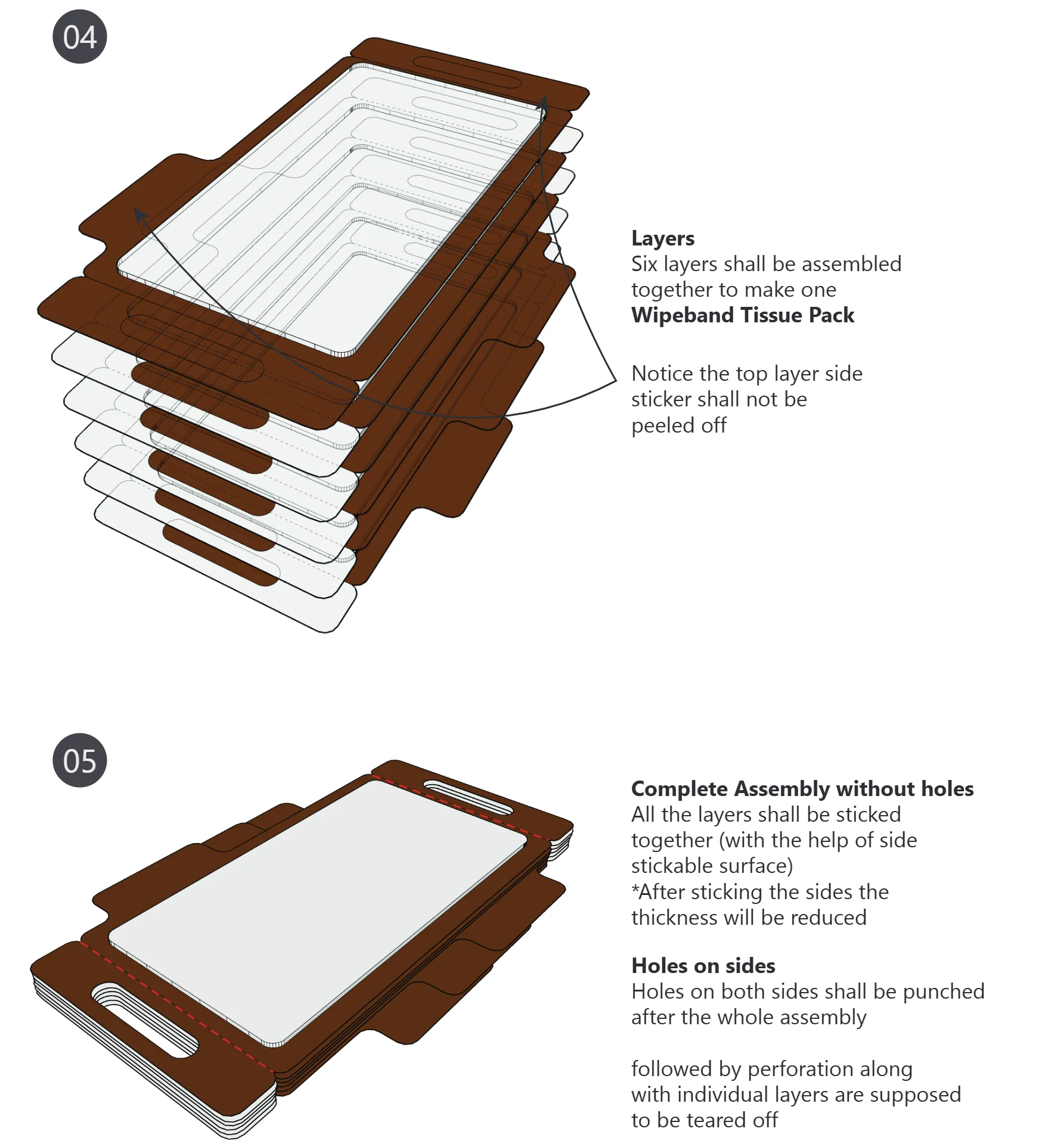
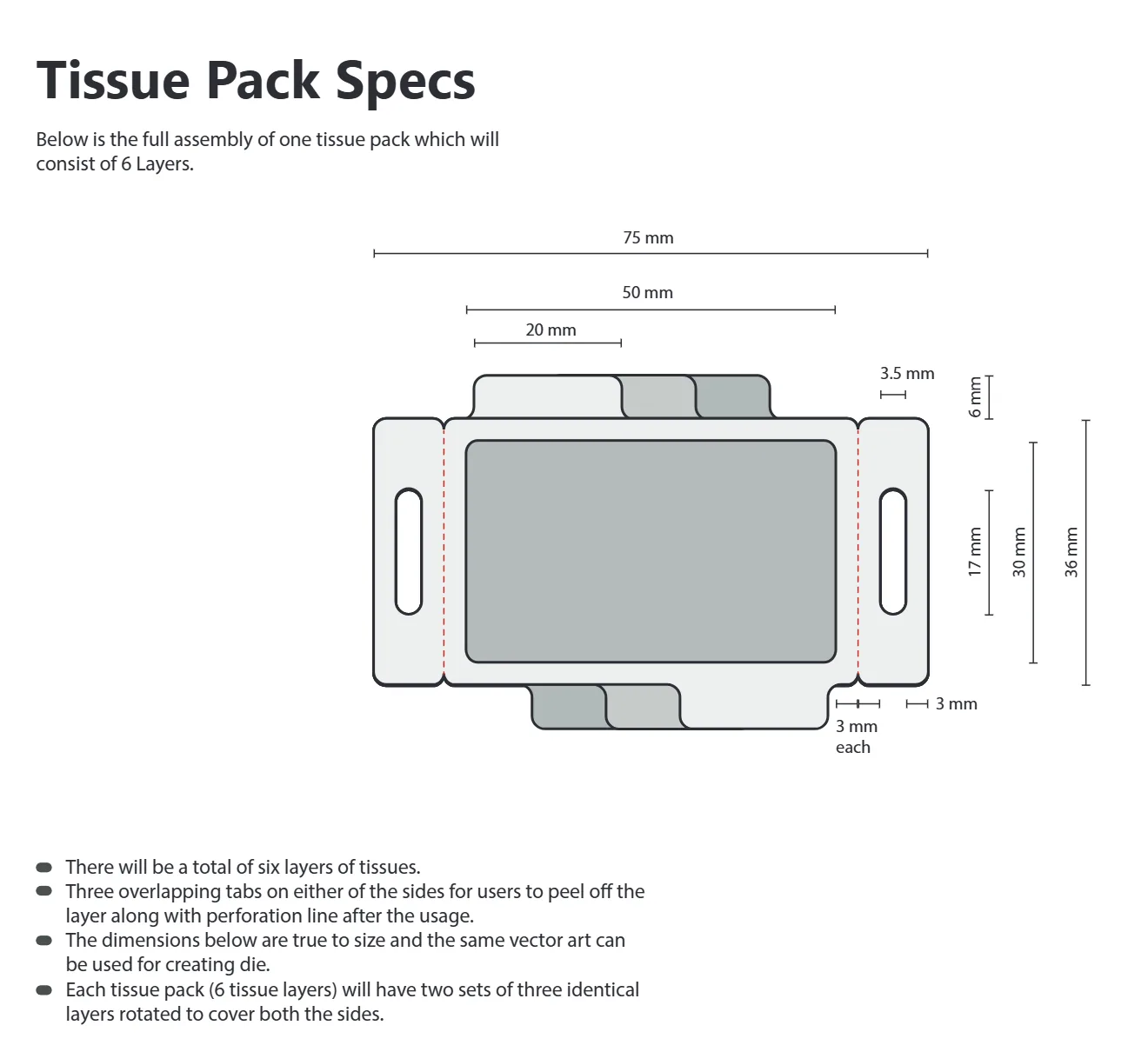
We worked with the product team on the research and development. The spec drawings give the pack to size: 75 by 36 millimetres, six layers, and three overlapping tabs on each side, so one layer can be peeled off along its perforation line without disturbing the rest. Two sets of three identical layers are rotated to cover both sides, and the same vector art can be used to make the die.

Chapter 6 of 9

Put together in a set order.

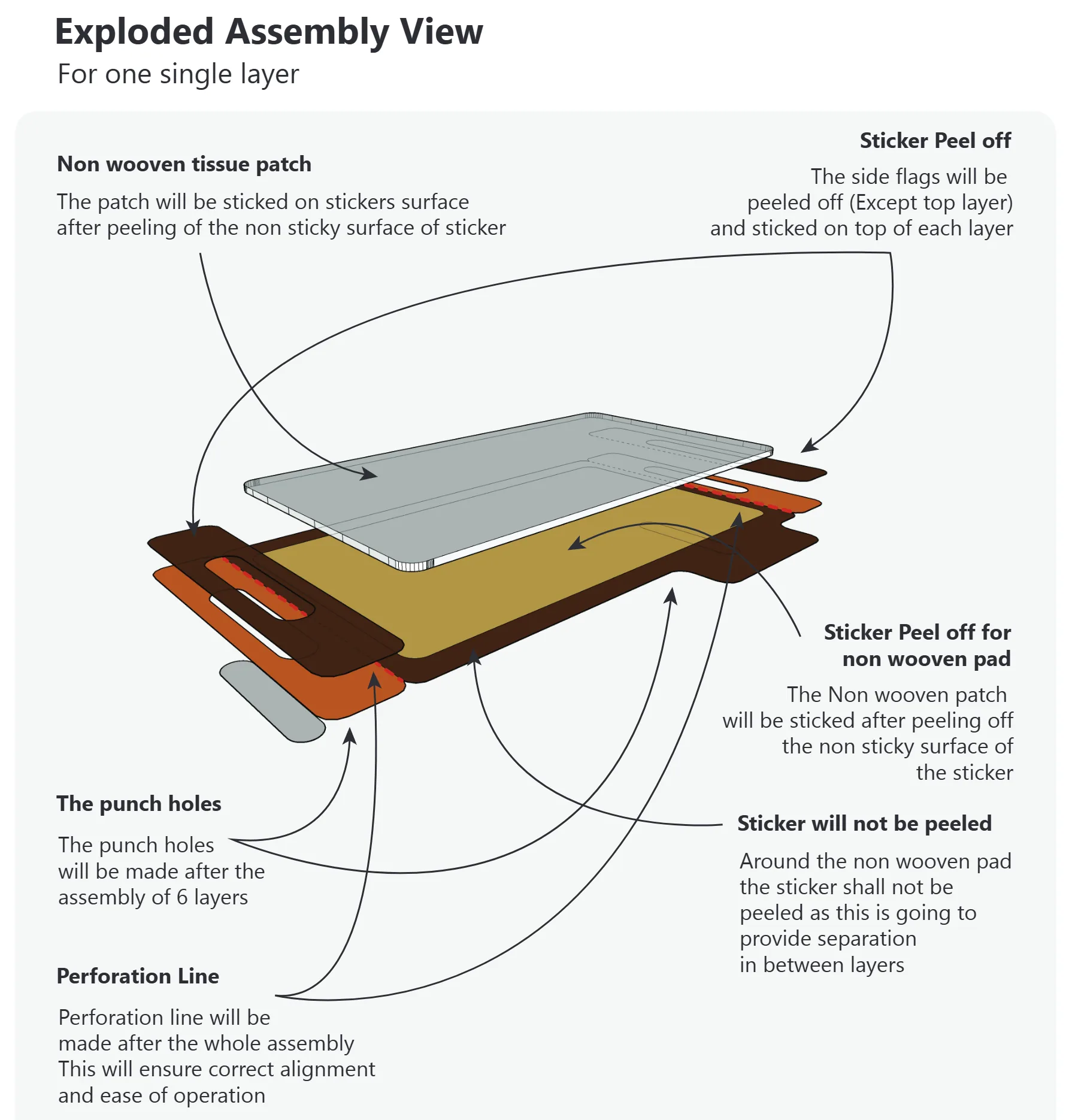
Each layer is made from two materials: sticker paper, die cut with internal scores, and a non-woven tissue patch. The patch goes onto the centre once the sticker's non-sticky surface is peeled. The side flaps are peeled and stuck on top of each layer except the last, and the sticker around the patch stays as it is, to keep the layers apart. Six layers make one pack. The holes and the tear line come last, so they line up.

Chapter 7 of 9

A kit, a brand and a shop.

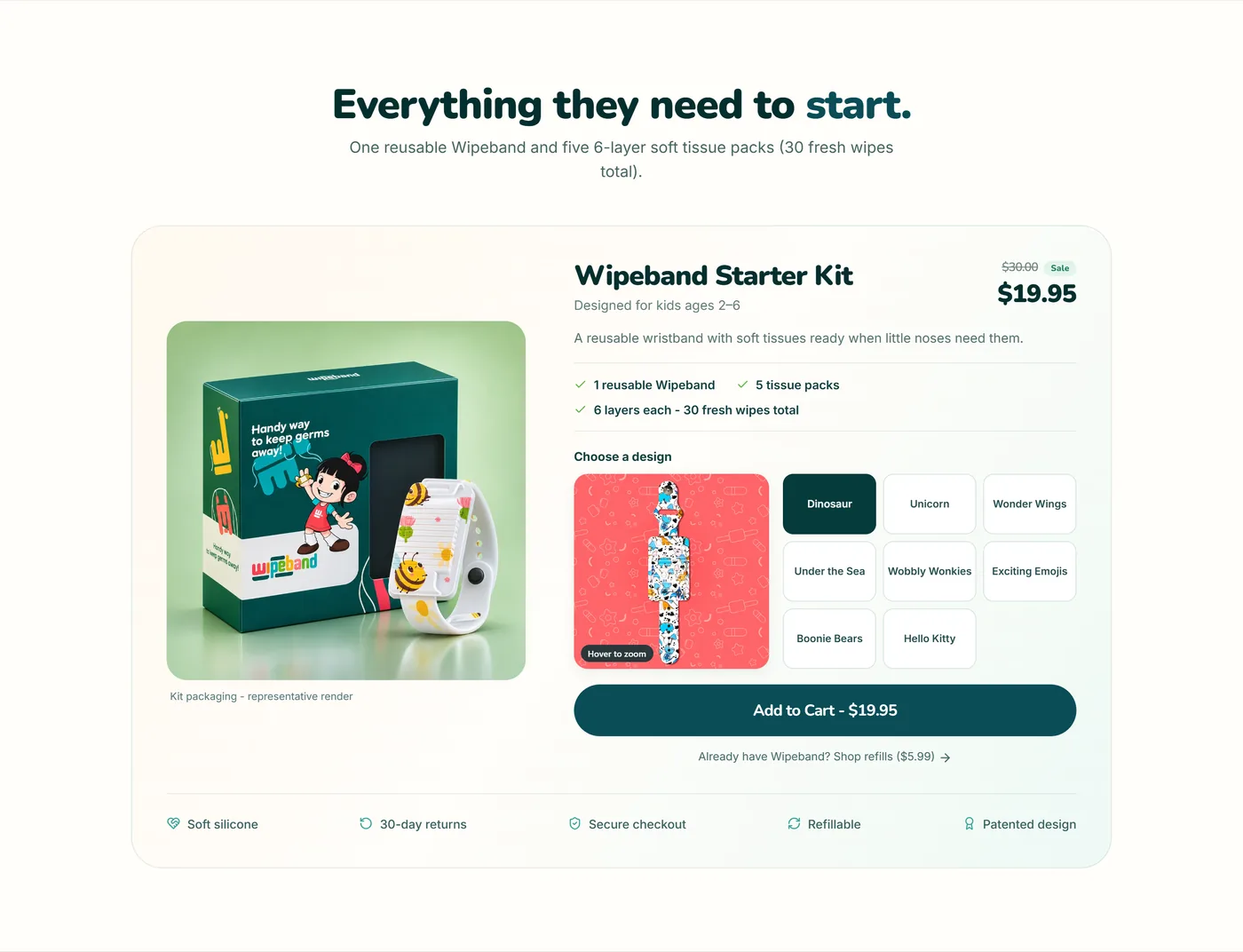
We also did the packaging and the branding. We built the earlier Wipeband website and are building the new one, shown here. The starter kit holds one band and five packs, thirty fresh wipes, in a choice of designs. The shop sells the kit and the refills, and explains the band to parents in plain words.

Chapter 8 of 9

Made for school, play and travel.

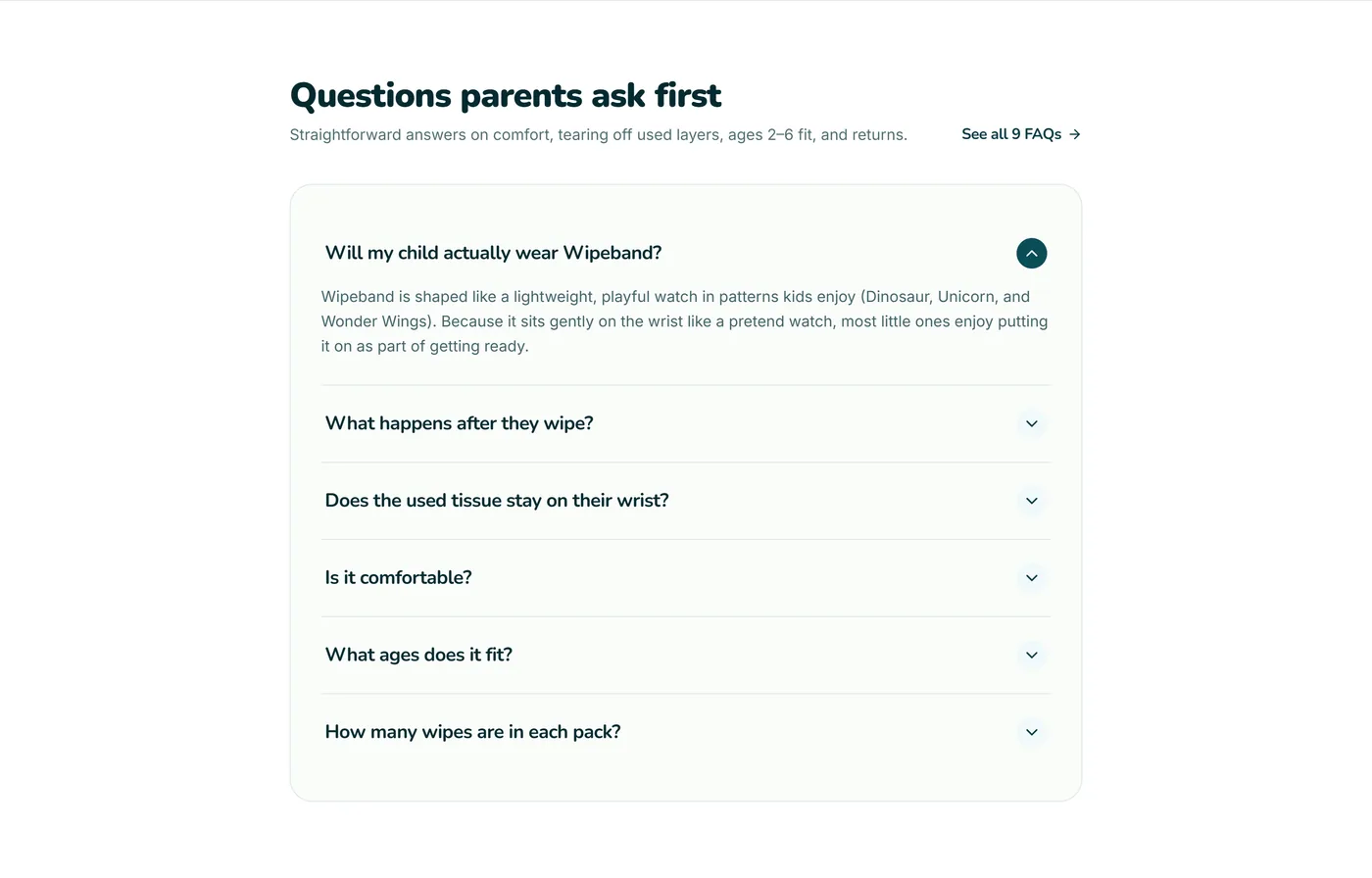
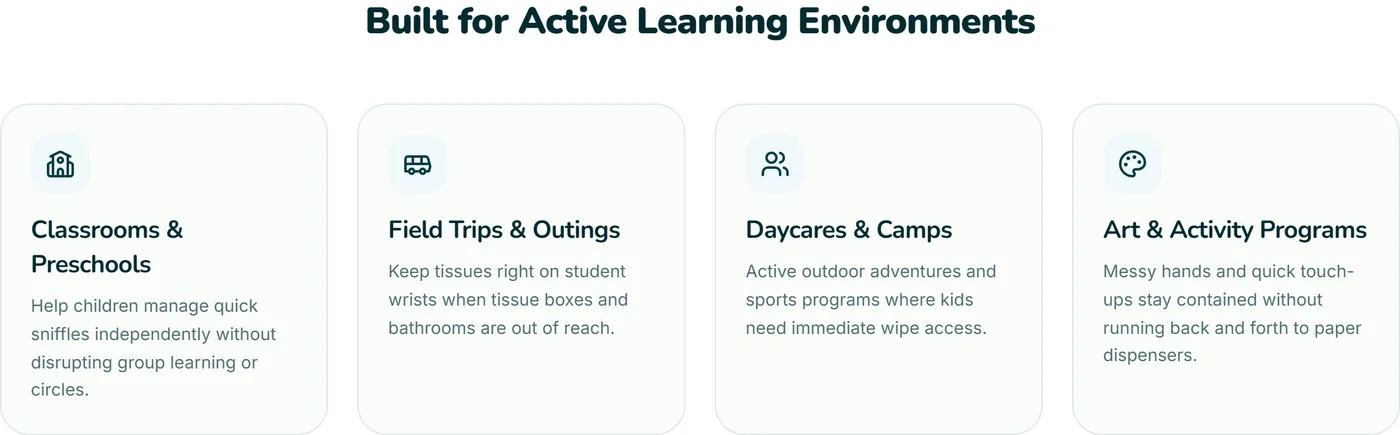
A band on the wrist goes where a child goes: preschool, the playground, car seats and flights. The site also has a page for schools, daycares and groups who want bands and refills in bulk, with a form to ask.

Chapter 9 of 9

An idea with its name on it.

Wipeband was co-invented by Sachin Yadav and Tiana, from a simple family observation: a tissue only helps when a child can reach it. The design holds U.S. Patent 12,383,048. It is a project very close to our hearts.

Read the patent on Google Patents

A wearable tissue for children, shaped over six years with Aavriti Design Studio as design consultant.

Visit wipeband.comNext project: LaptopFinderBack to the story

LaptopFinder

Better choices begin with better questions.

A finder, an advisor and a blog, for students choosing a laptop in India.

Chapter 1 of 7

A laptop is a hard thing to choose well.

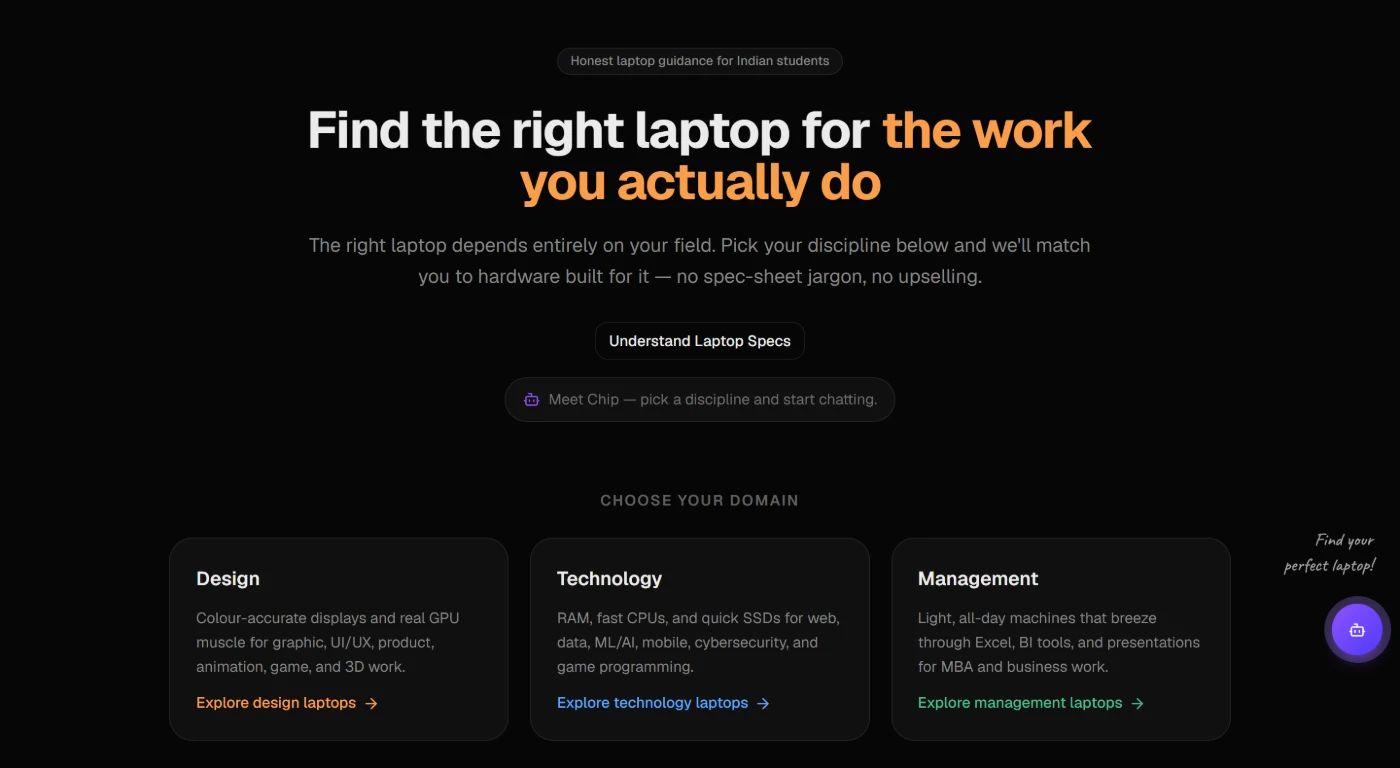
A student needs a laptop for the work ahead. The shop shows a wall of specs. The seller talks about discounts. Nobody asks what the student will actually do with it. LaptopFinder starts there. Pick Design, Technology or Management, and it speaks about that work, in plain words.

Chapter 2 of 7

Start with the work, not the specs.

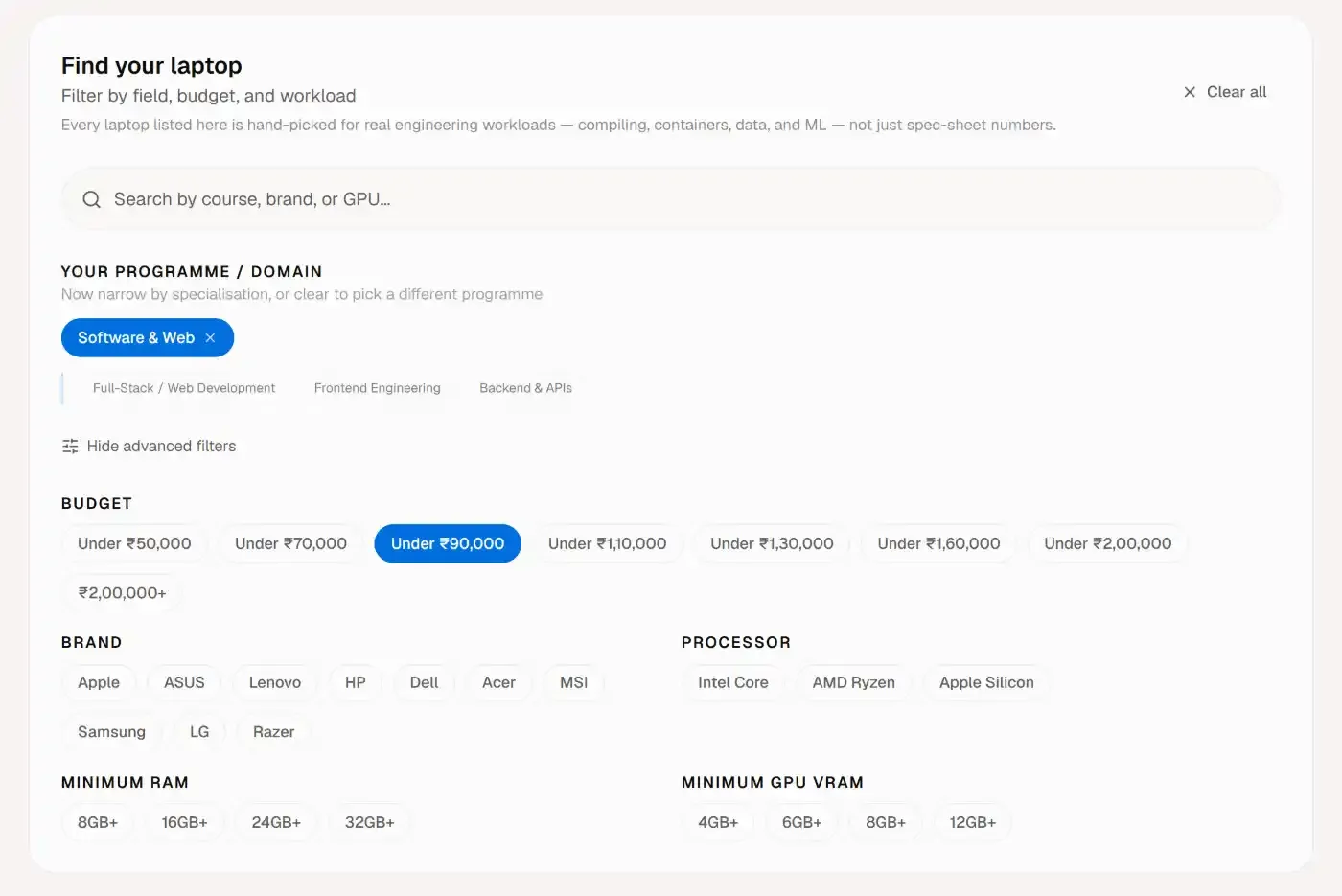
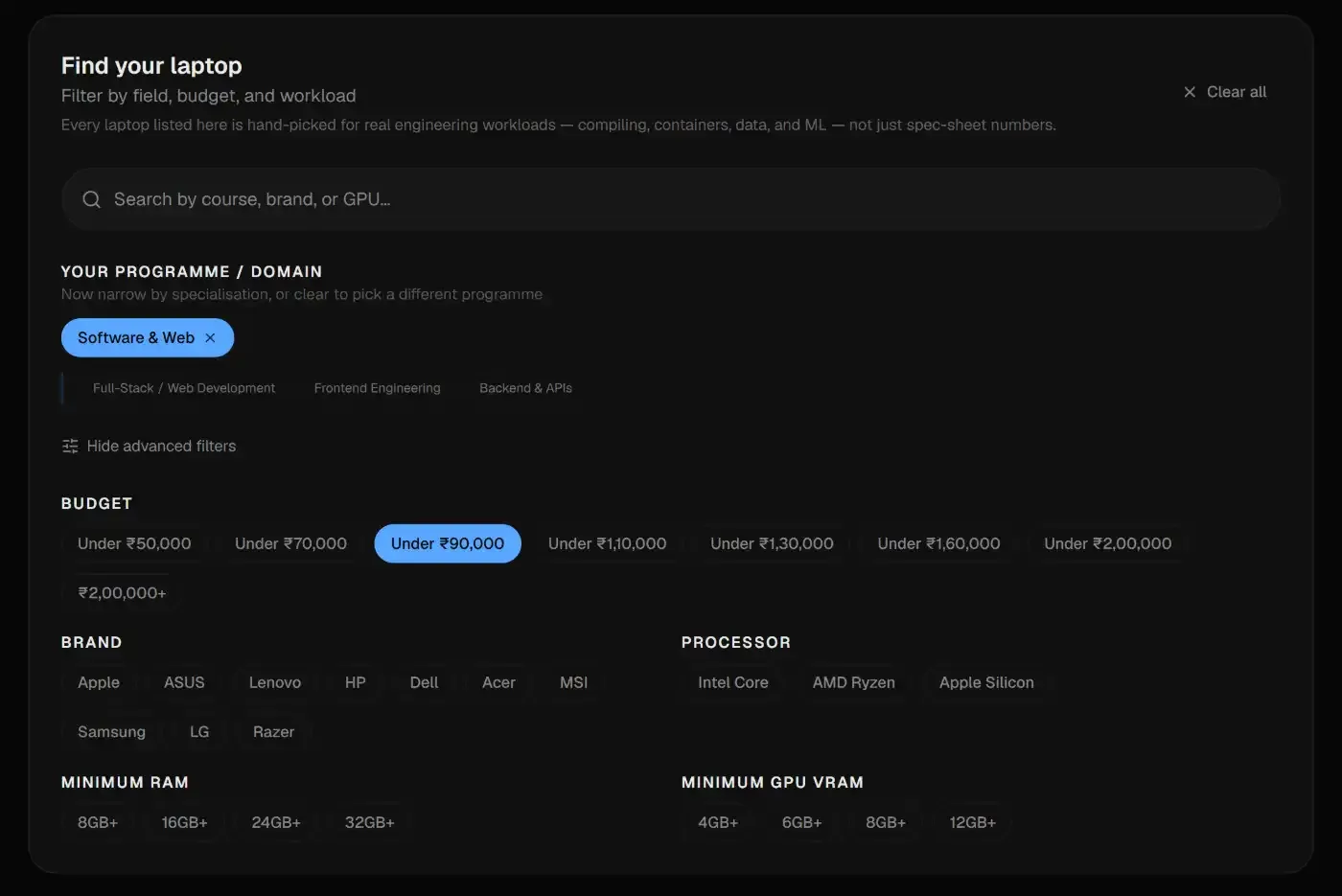
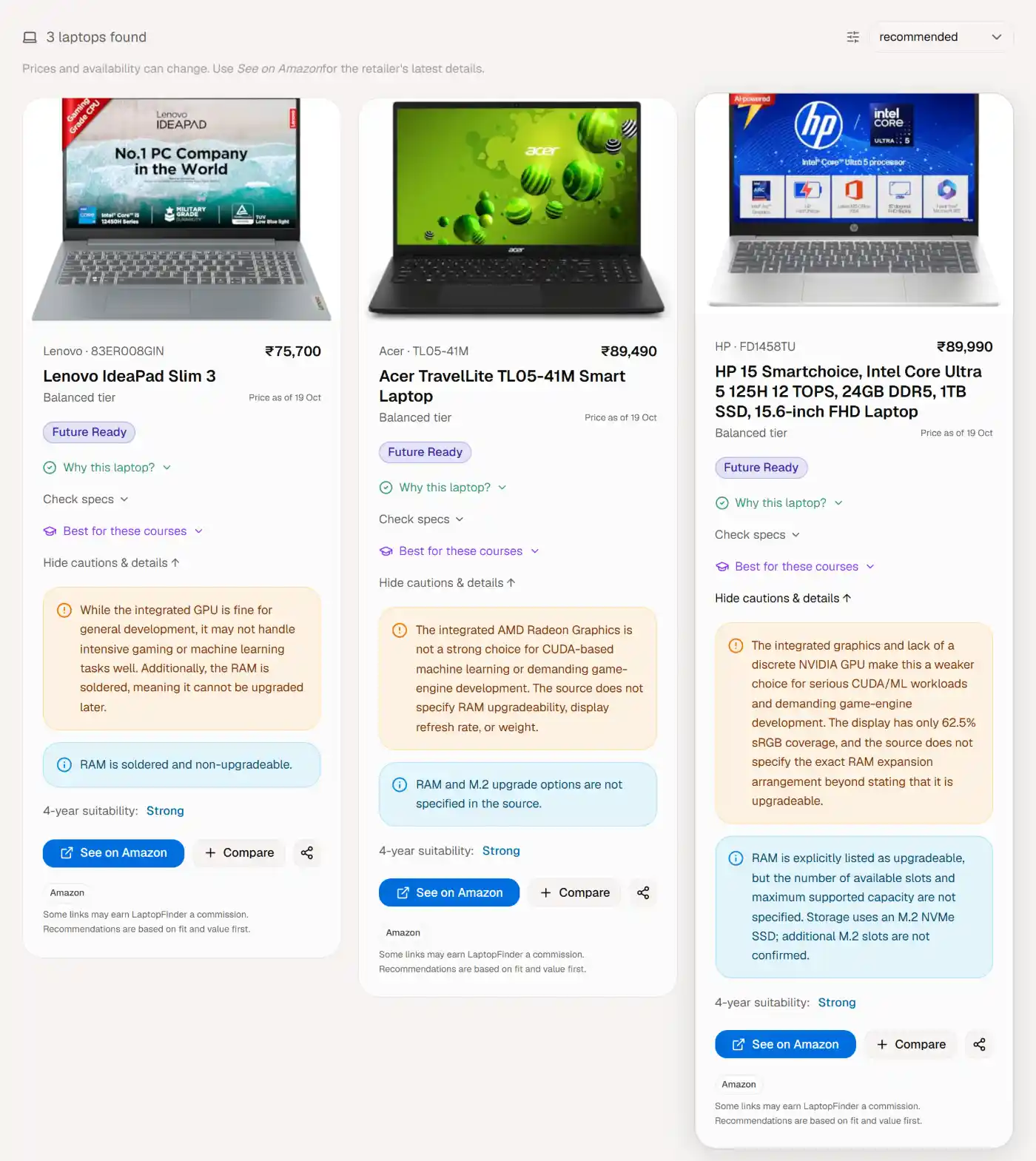
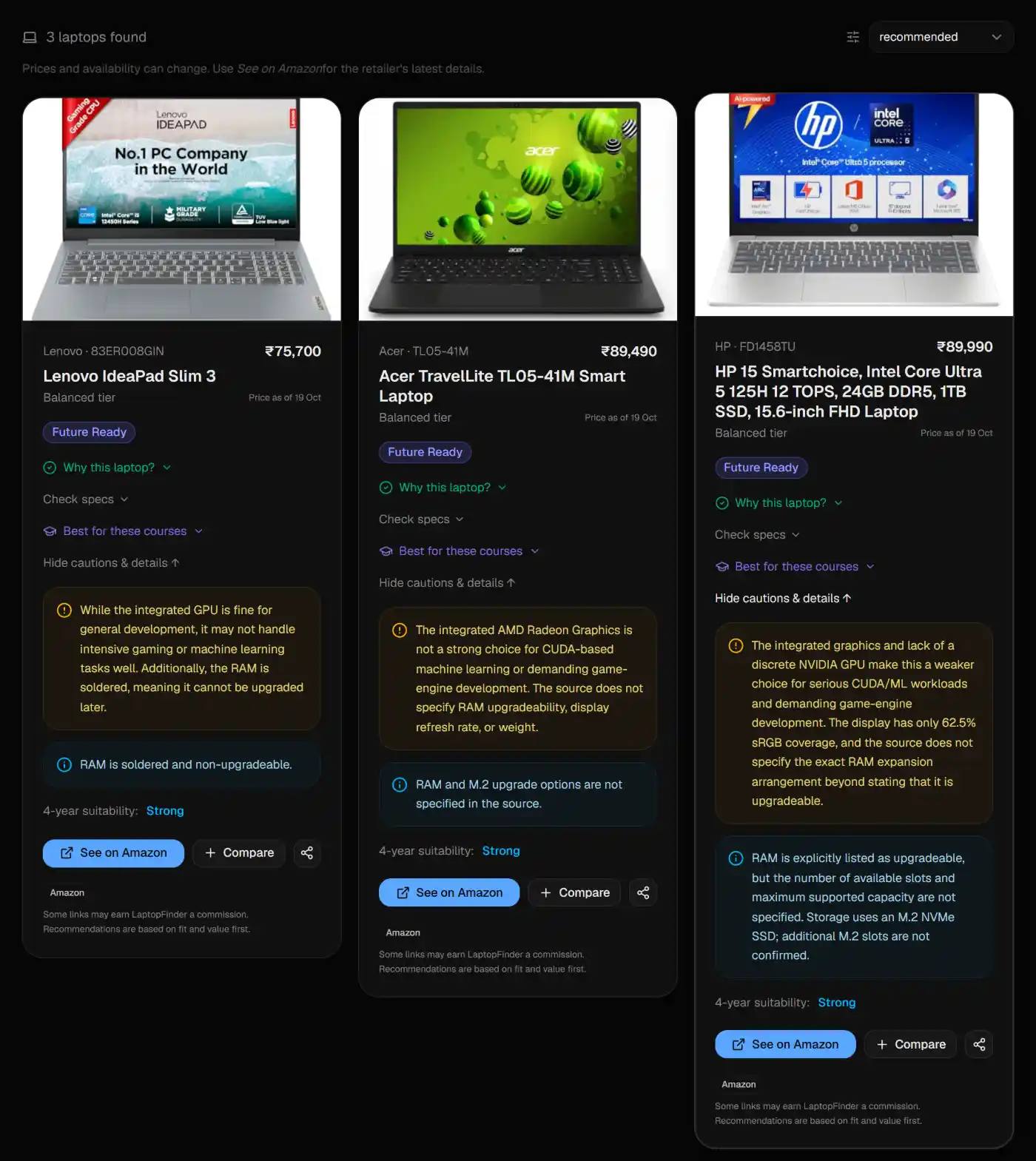
First the field, then the specialisation. Then the budget and, if it matters, the brand, the processor, the memory and the graphics memory. Every step narrows the list. Here it is Technology, Software and Web, under ₹90,000: three laptops, and no sign-in anywhere.

Chapter 3 of 7

A pick that shows its doubts.

Every laptop carries its cautions in plain sight. Memory that is soldered and can never be upgraded. Graphics that will struggle with machine learning. A screen with narrow colour coverage. Each price says the date it was checked, each pick says how well it lasts over four years, and a note says some links may earn a commission.

Chapter 4 of 7

Or just ask.

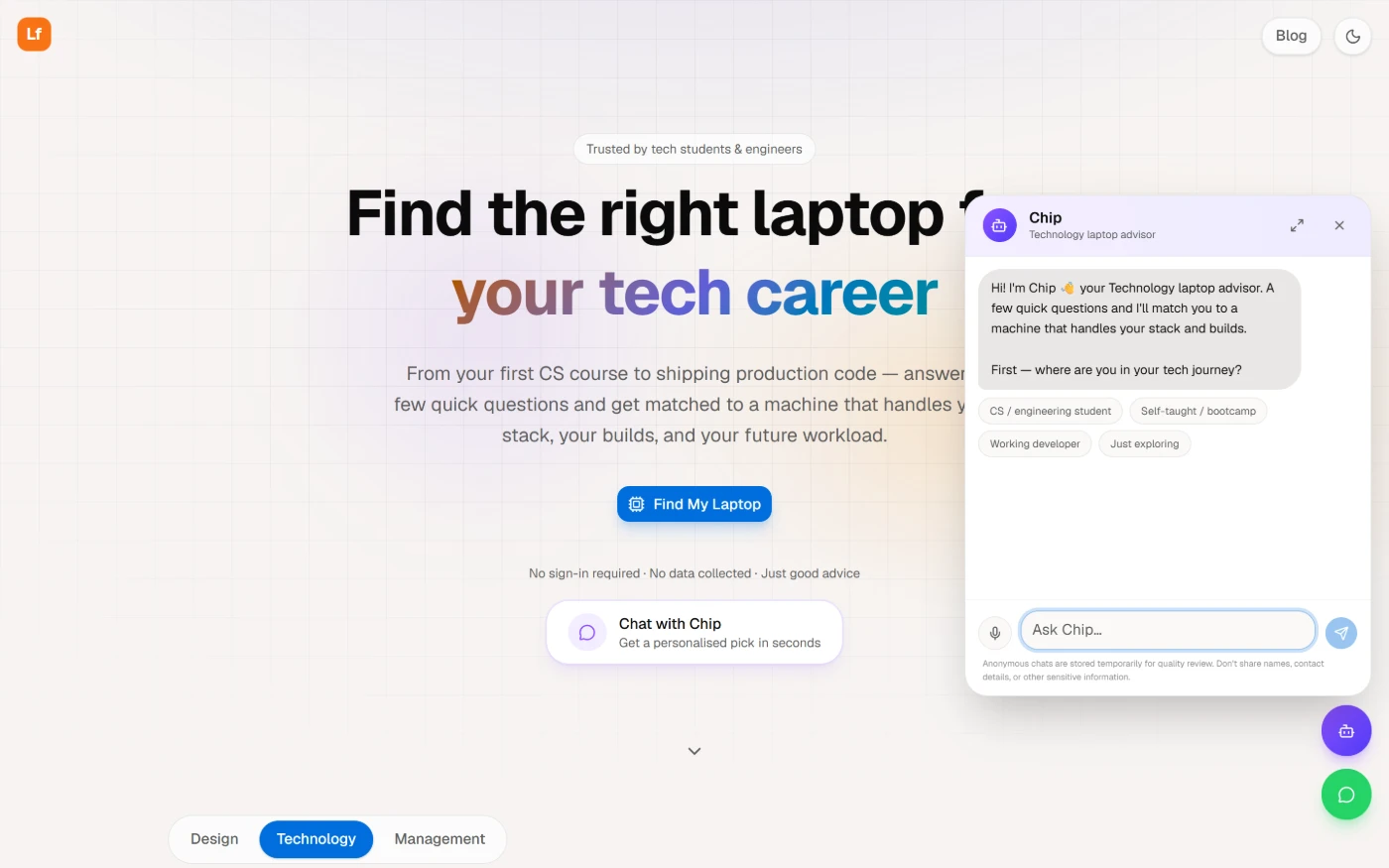
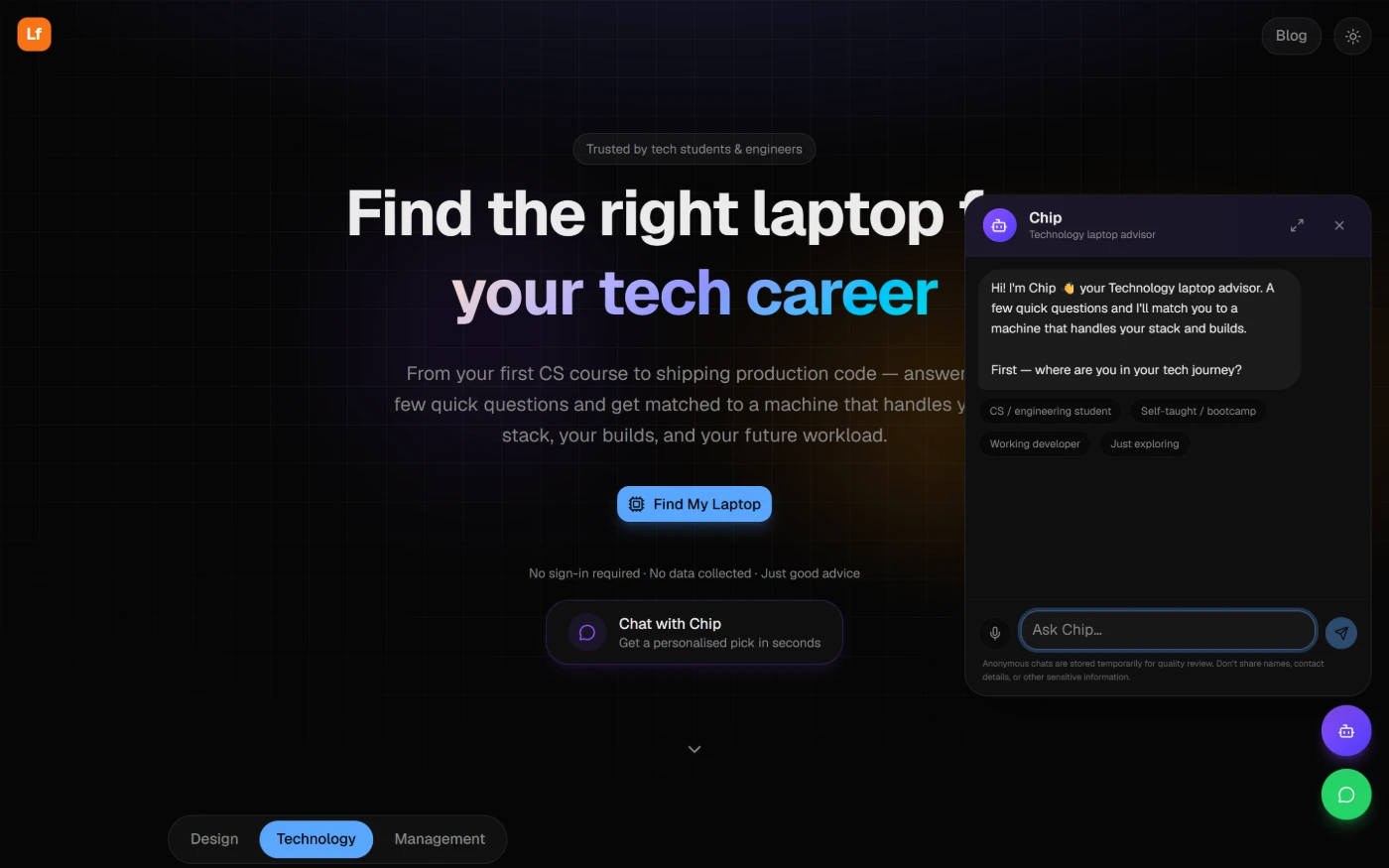
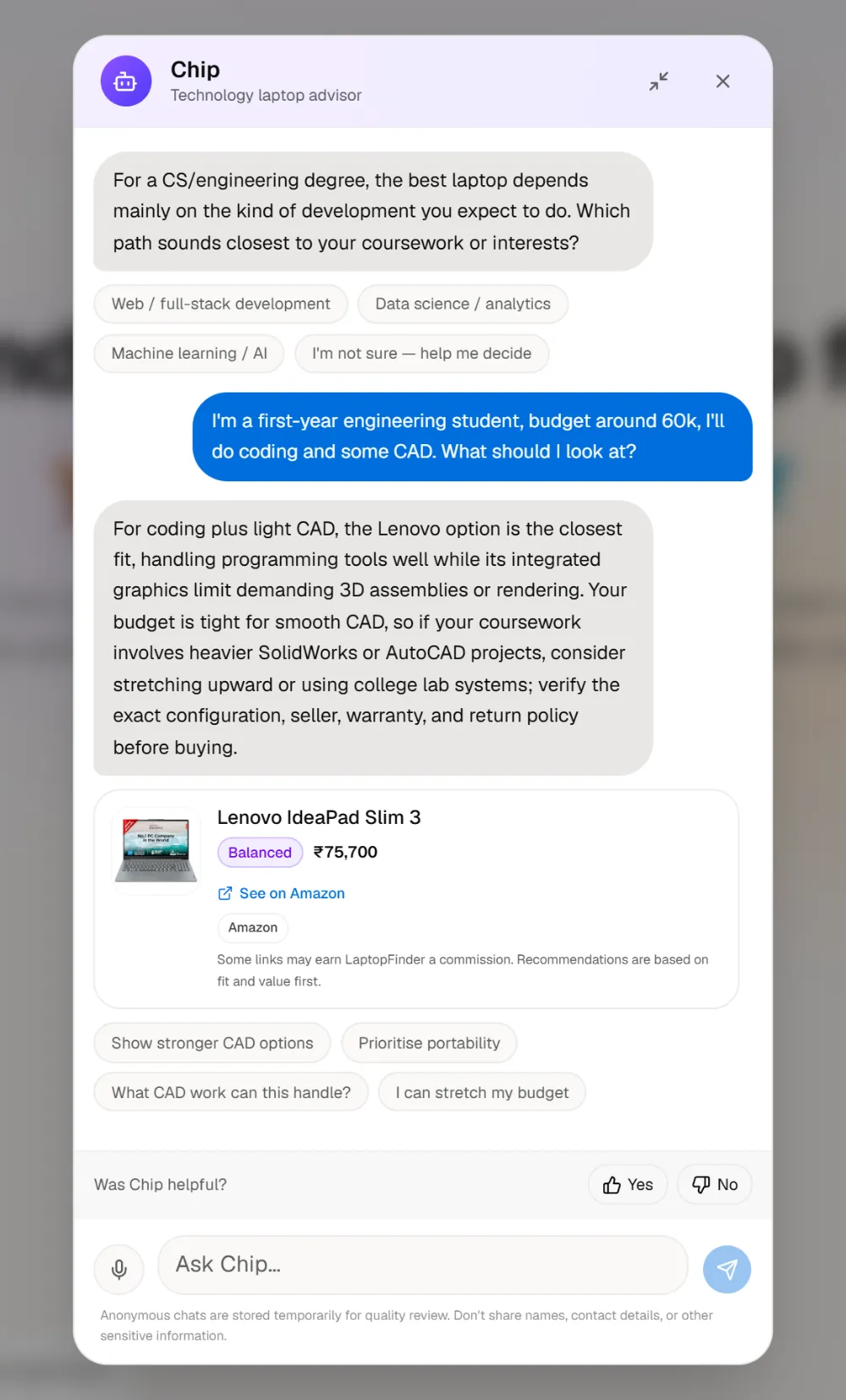
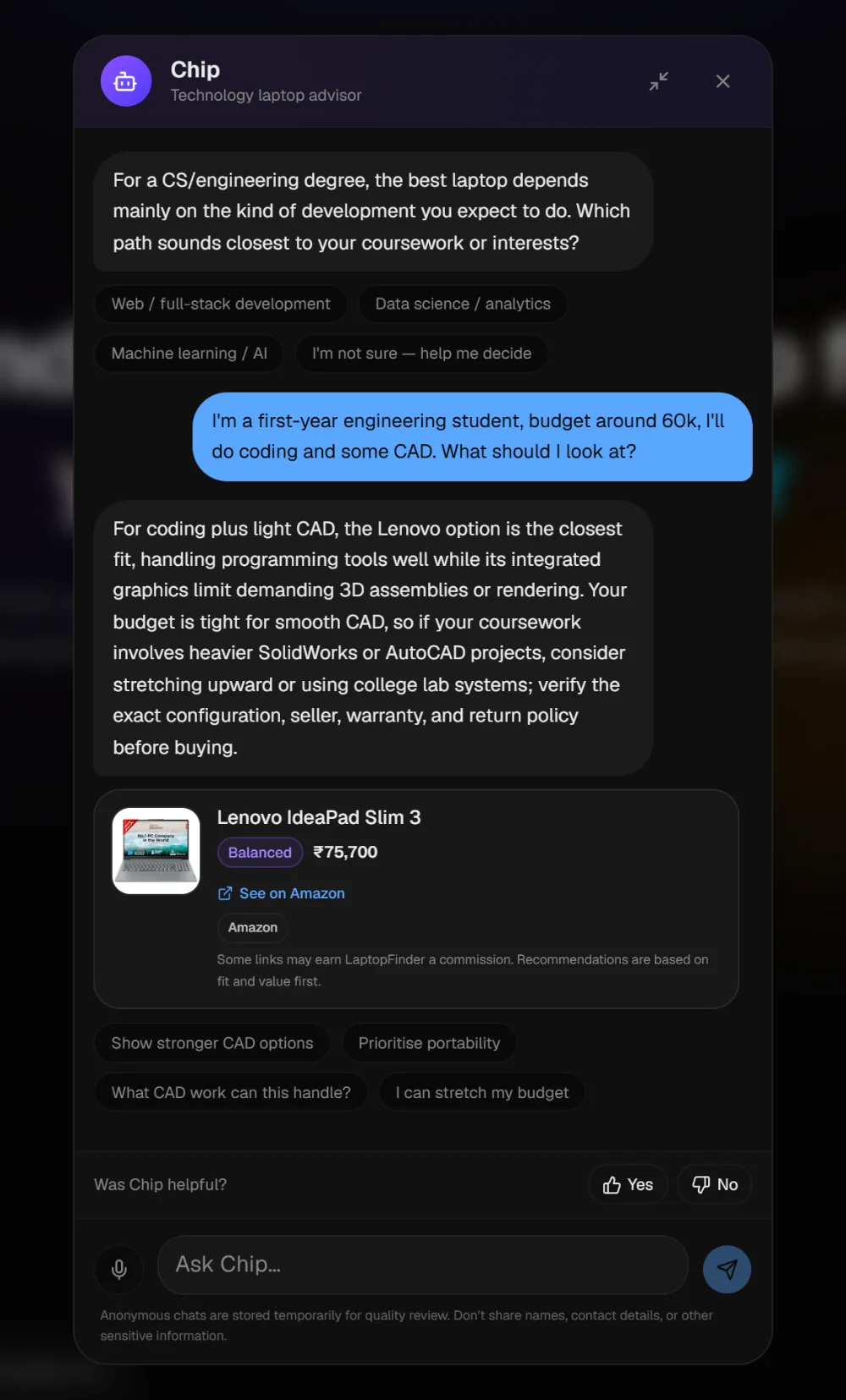
Some people would rather talk than filter. Chip is a laptop advisor in the corner of every page. It asks which field you are in and where you are in your studies, then answers in its own words. Here a first-year engineering student with about ₹60,000, coding and some CAD, asks what to look at. Chip names one laptop and says its graphics will limit heavy 3D work. It suggests stretching the budget or using college lab machines, and to check the exact configuration before buying. Every answer can be rated, and chats are stored briefly for quality review.

Chapter 5 of 7

Specs, in plain words.

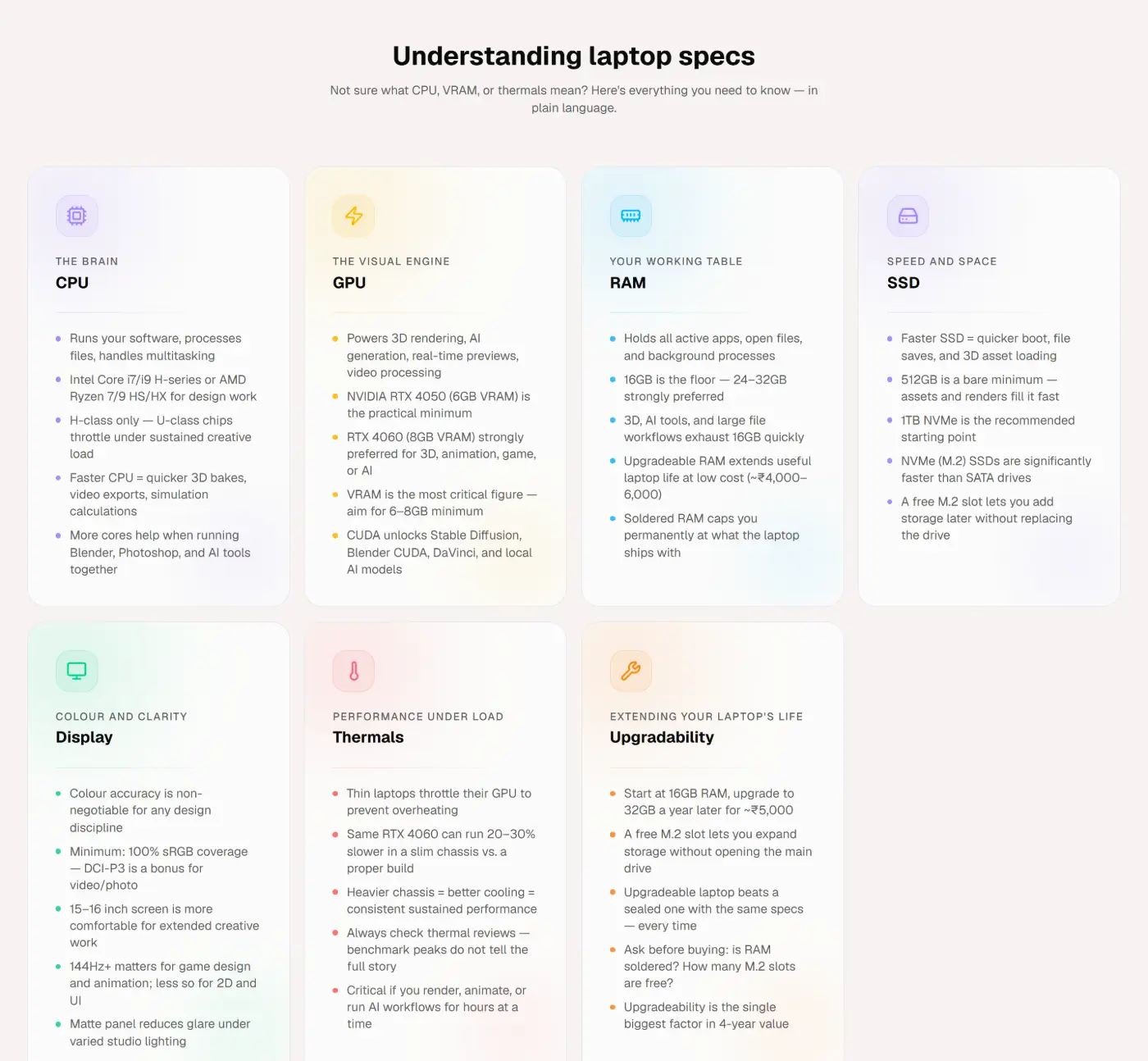
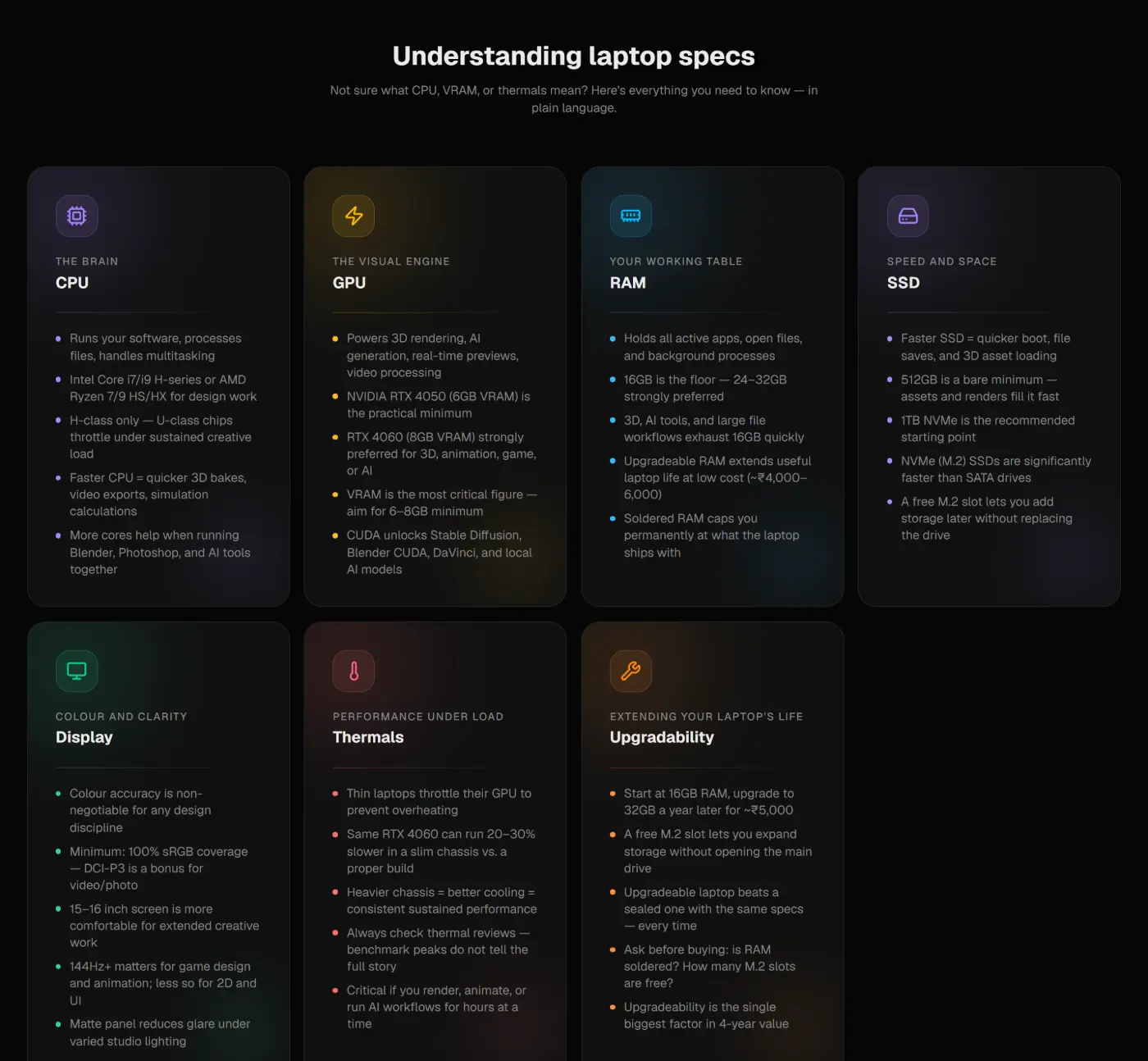
Not sure what VRAM or thermals mean? One section explains the CPU, GPU, RAM, SSD, display, thermals and upgradeability, each on its own card. What the part does, what number to look for, and where a laptop will let you down.

Chapter 6 of 7

Guides that keep up.

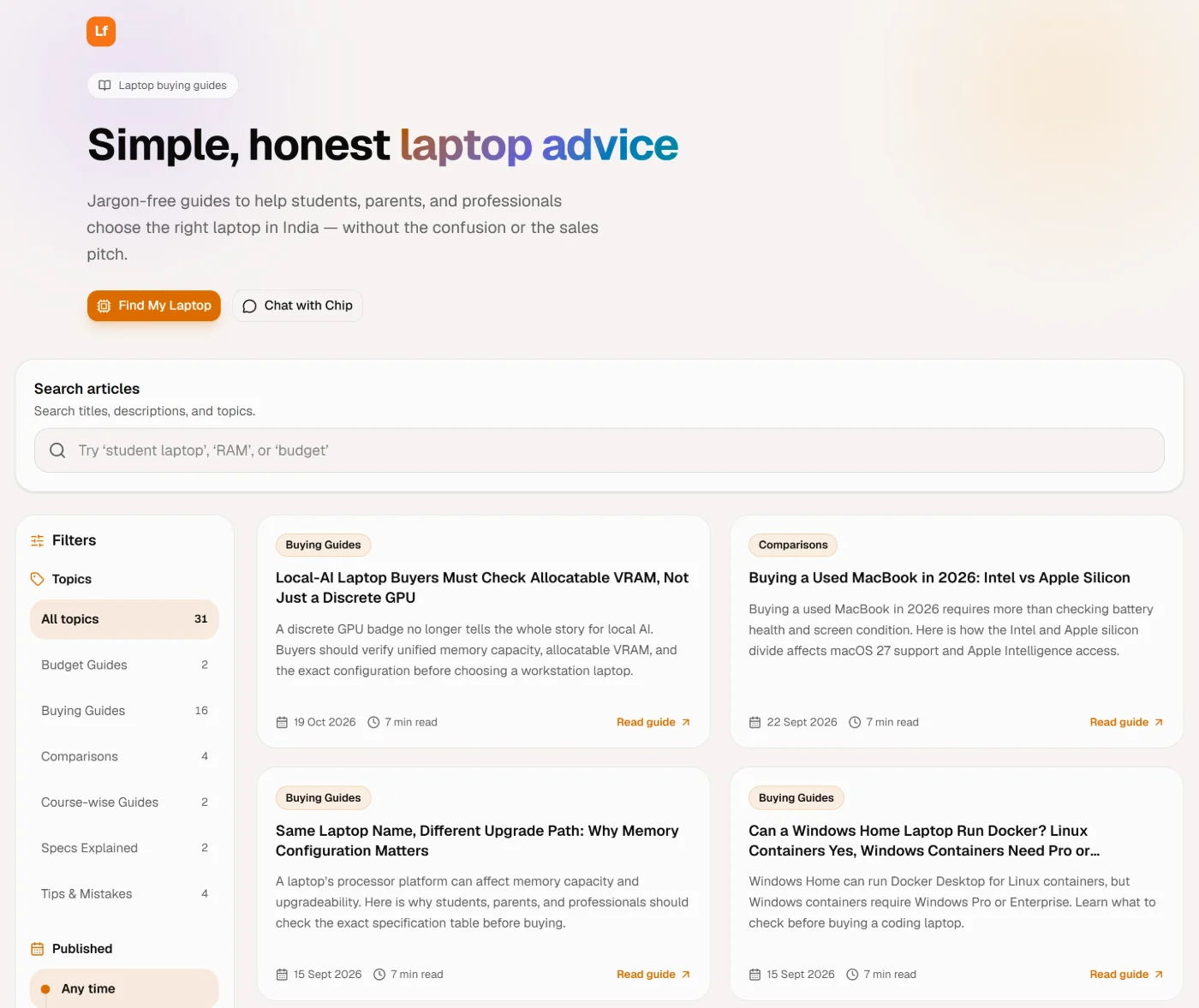
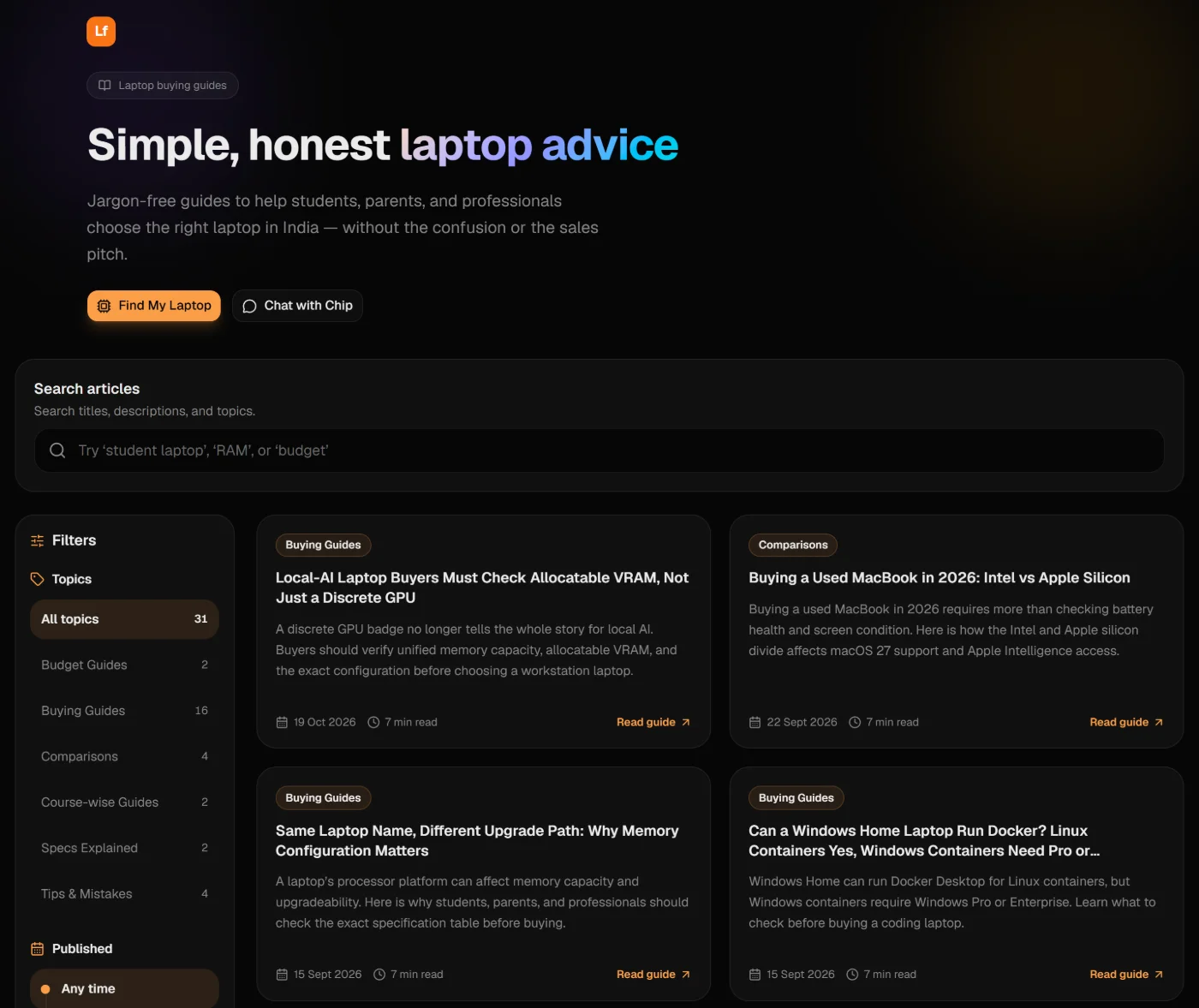
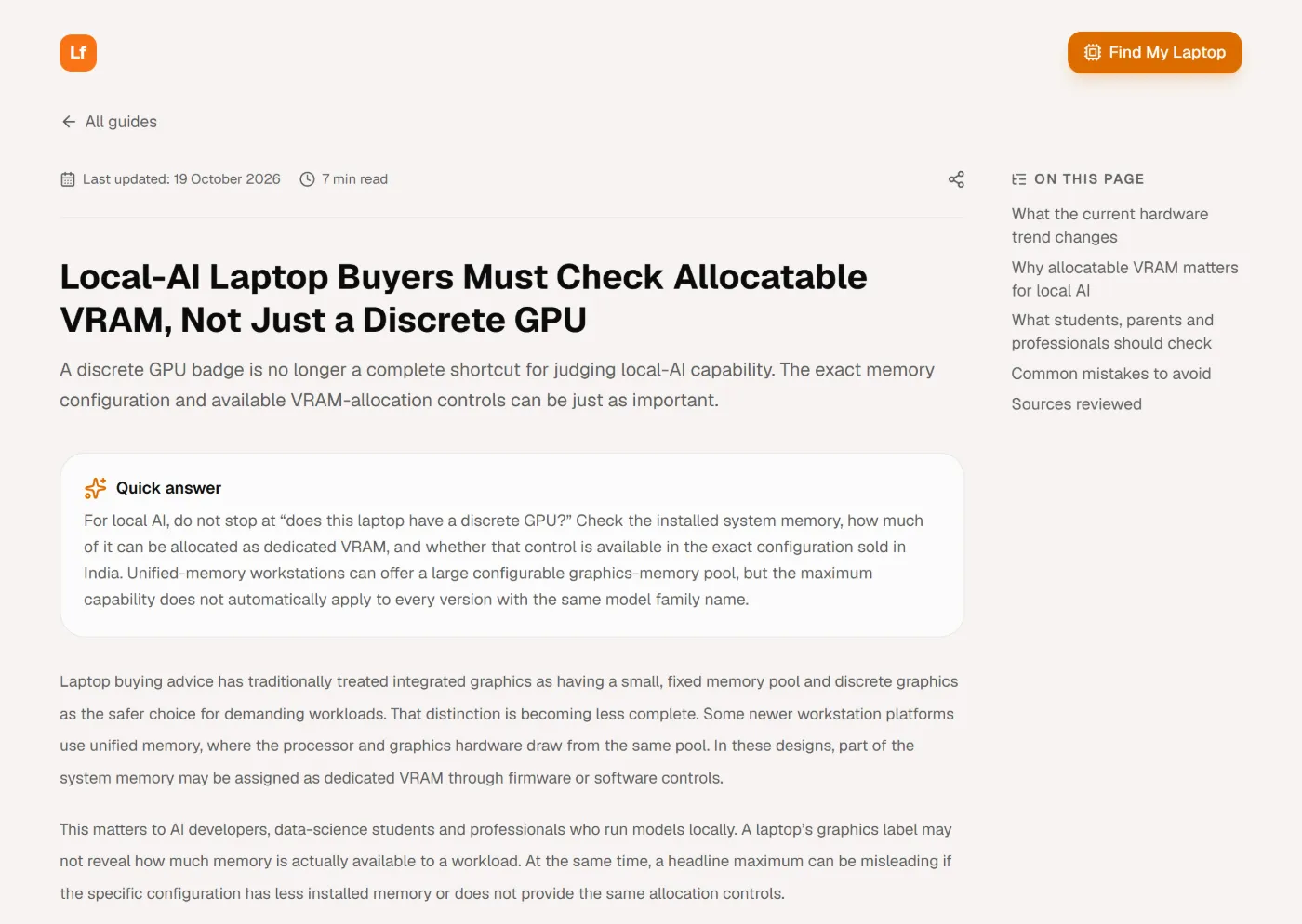
A blog holds 31 guides, to search or filter by topic and date. Each opens with a quick answer, has its own contents list and ends with the sources reviewed. Recent ones ask whether a laptop's GPU is enough for local AI, what to check when buying a used MacBook, and whether Windows Home can run Docker.

Chapter 7 of 7

The room behind the screen.

The pages are the visible part. Behind them sits a private admin area, kept out of search engines, where the catalogue, the guides and the questions people ask Chip are looked after. The home page then picks its most affordable laptops from the published catalogue by itself, so picks and prices move with the market.

A finder, an advisor and a blog, designed and built by Aavriti Design Studio.

Visit laptopfinder.ccBack to the story
Back to the story